AI animation generator
for any story
Describe the characters and what happens. The AI animation generator designs the cast, picks a look and animates every episode with sound.

- Real AI-generated motion
- The same cast every episode
- Free episode script preview
- Posts on your schedule
AI animation people are watching on TikTok


AI animations by TikTok creators, not made with Fableclip. Tap one to start a show like it. Views as of Nov 7, 2026.
Episodes from the AI animation generator post to your channels
How the AI animation generator works
The real Fableclip screens, with one of the shows on this page. The episode picture is an illustrated preview.
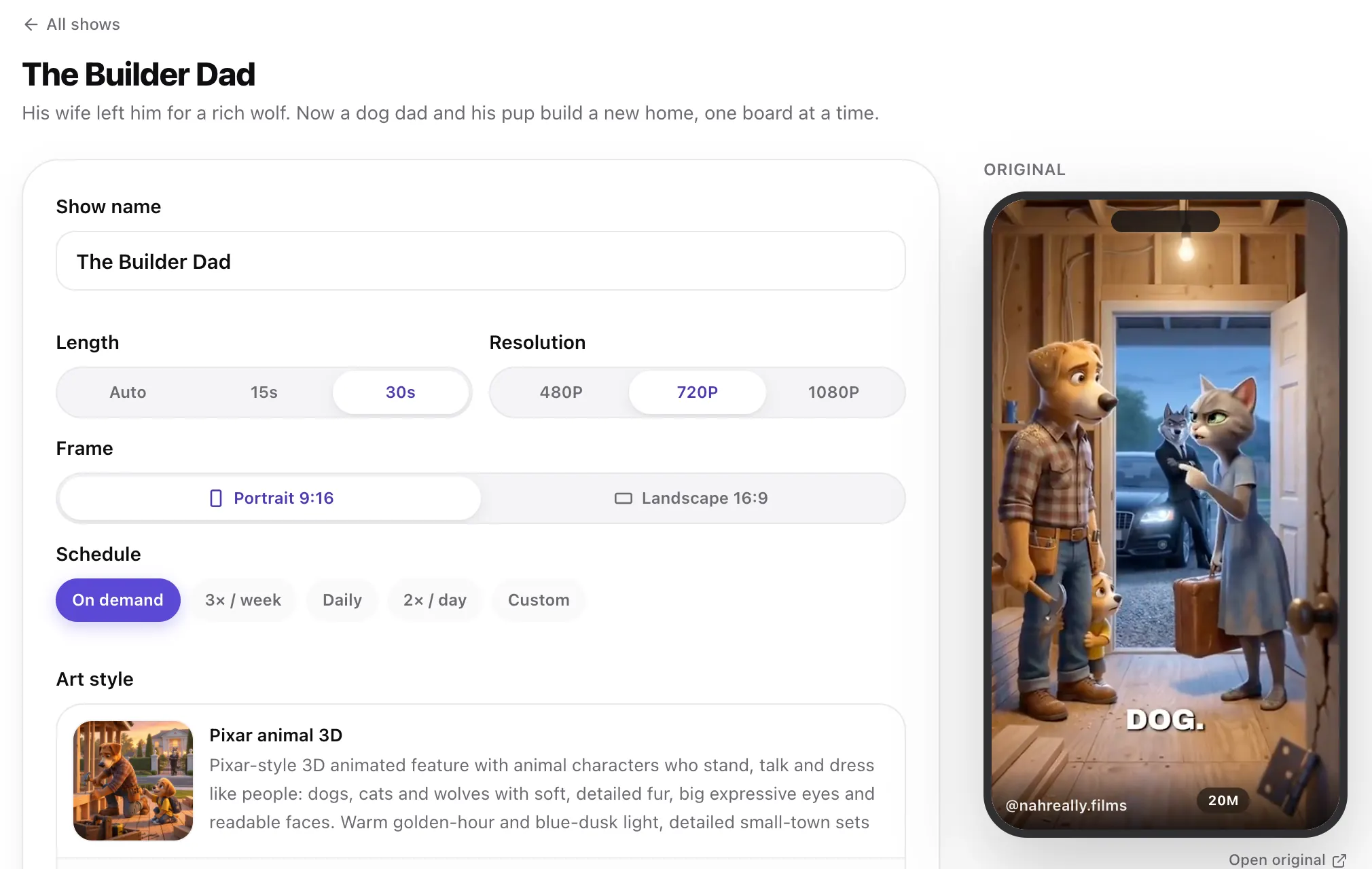 Step 1
Start from a viral AI animation
Tap any video at the top of this page. Its show opens ready to go, with the original playing beside it.
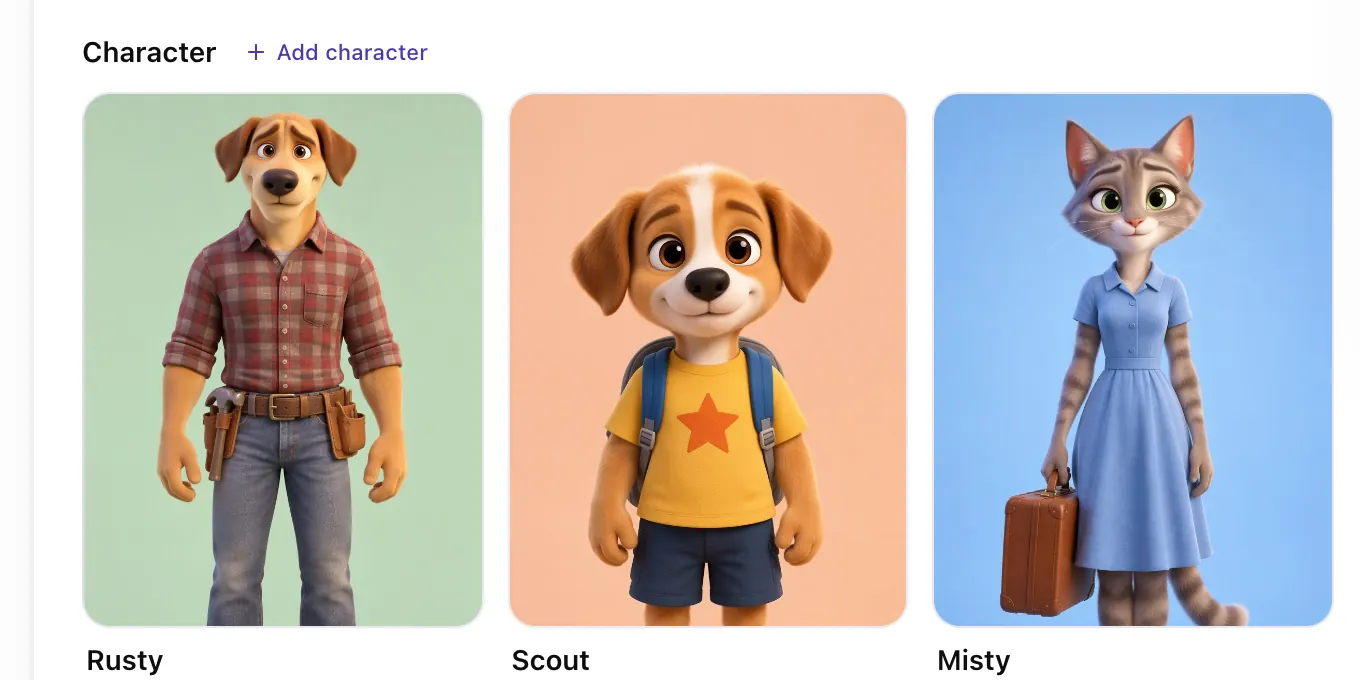 Step 2
Meet the cast
Every character comes with a reference sheet, so they look the same in every episode. Tap one to change it.
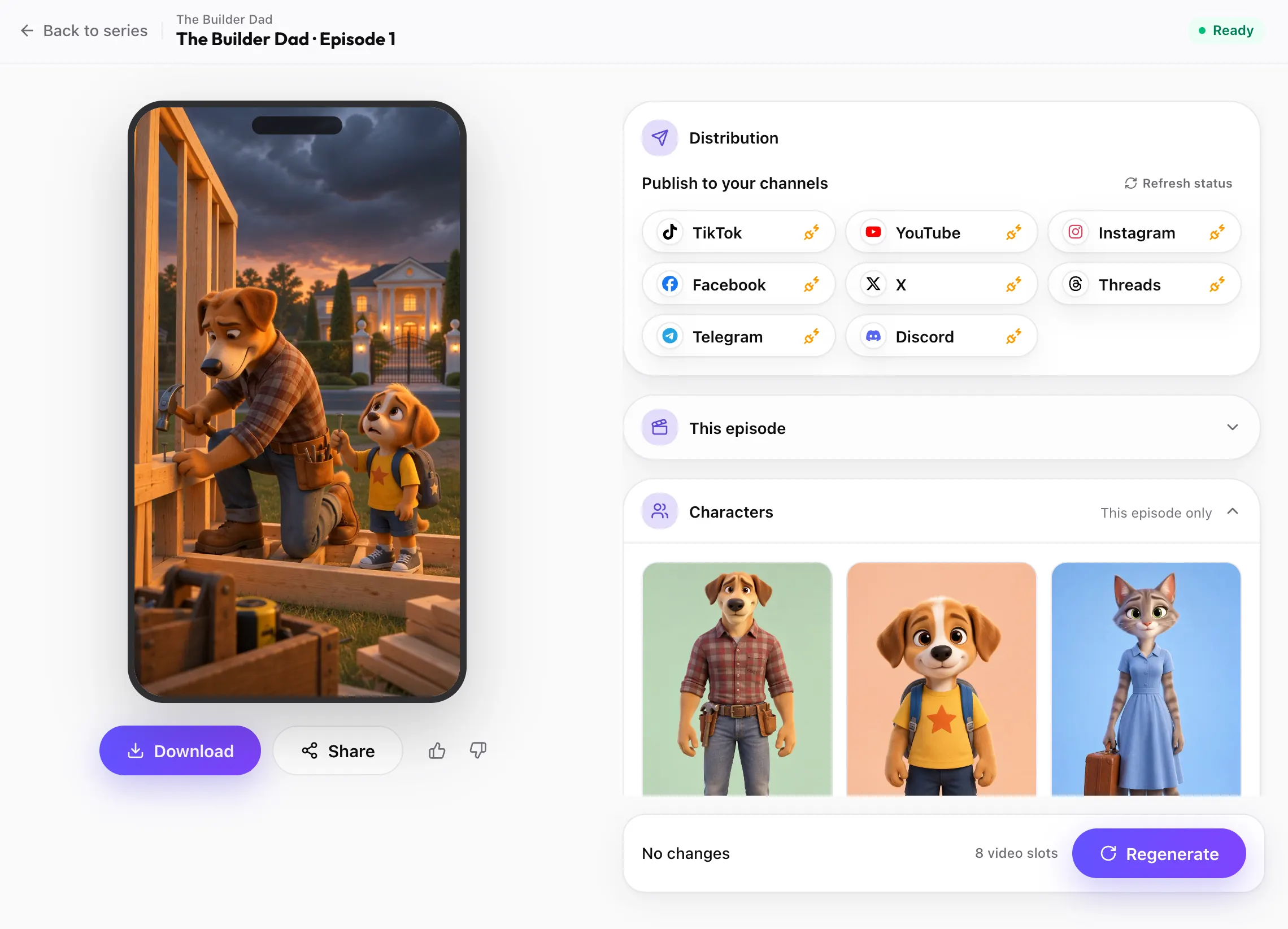 Step 3
Post every episode
Each finished AI animation episode is ready to download or post to TikTok, YouTube, Instagram and the other channels you connect, on your schedule.
Animate my story


Looks you can use in the AI animation generator
Tap a look and a show in that style goes into the box at the top, ready to change. Pictures are previews of the style, not frames from a video.
 Disney
Glossy 3D
Big expressive eyes and soft rounded shapes, the family-film look.
 Ghibli
Hand-painted
Watercolor backgrounds and gentle linework, like a hand-painted feature.
 Storybook
Gouache brushstrokes, golden light and a sense of wonder.
 Paper Doodle
Paper doodle
Ink pen lines that quiver on textured paper, with a few soft colors.
 Cozy Felt
Cozy felt
Knitted wool characters with visible fibers and a soft, quiet mood.
 AI Cats
AI cats
A photoreal orange cat behaving like a person, the viral cat-video look.
What is an AI animation generator?
An AI animation generator turns a written idea into moving animation. Instead of drawing frames, rigging a 3D model or learning an animation app, you describe who is in it and what happens, pick a look, and the AI generates the motion and the sound.
Fableclip's AI animation generator makes animated series. You describe the show once. It designs the cast and the look, writes each episode, and animates it as a finished clip where the characters move, react and speak their lines.
Starting with a series is on purpose. A single AI clip is hard to control: the character changes every time you press generate. In a series the cast is designed and checked first, so the same characters come back in every episode.

How to write a prompt for the AI animation generator
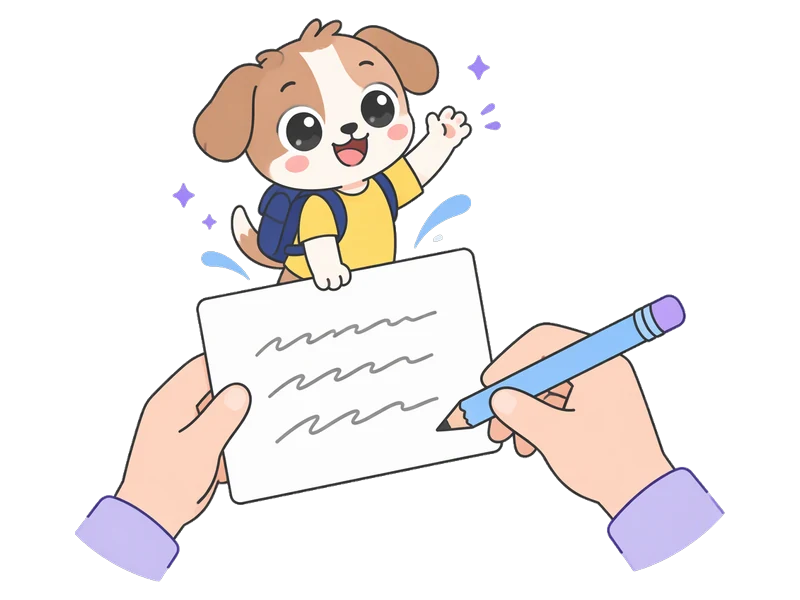
The AI only draws what you write, so describe characters like a casting sheet: species or body, colors, clothes and one detail that makes them unmistakable. "A cat" looks different every time; "a chubby ginger cat in a white chef hat" does not.
Then say what keeps happening each episode and how it ends. Keep spoken lines short and give each line to one character at a time. The reaction at the end is the part people replay.
Why the AI animation generator designs the cast first
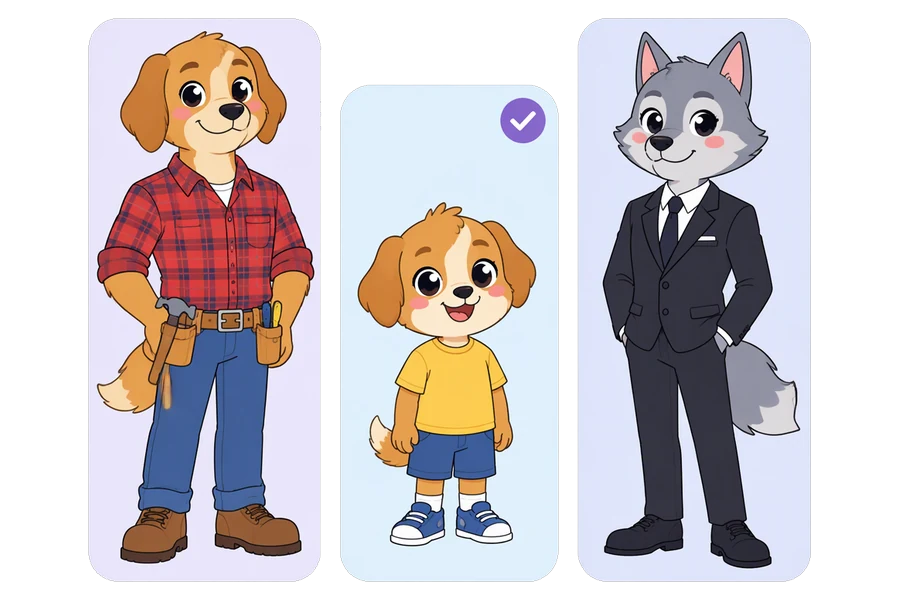
Most AI animation tools make one clip from one prompt. Press generate again and the hero has a new face. That is fine for a one-off joke and frustrating for anything longer.
Here every character keeps a written look and a reference sheet, and each episode is drawn from them. You check and change the cast before anything is animated, so you are not gambling on every clip.
Once the cast is right, put the show on a schedule and each new episode is posted to the accounts you connect.
Who the AI animation generator is for
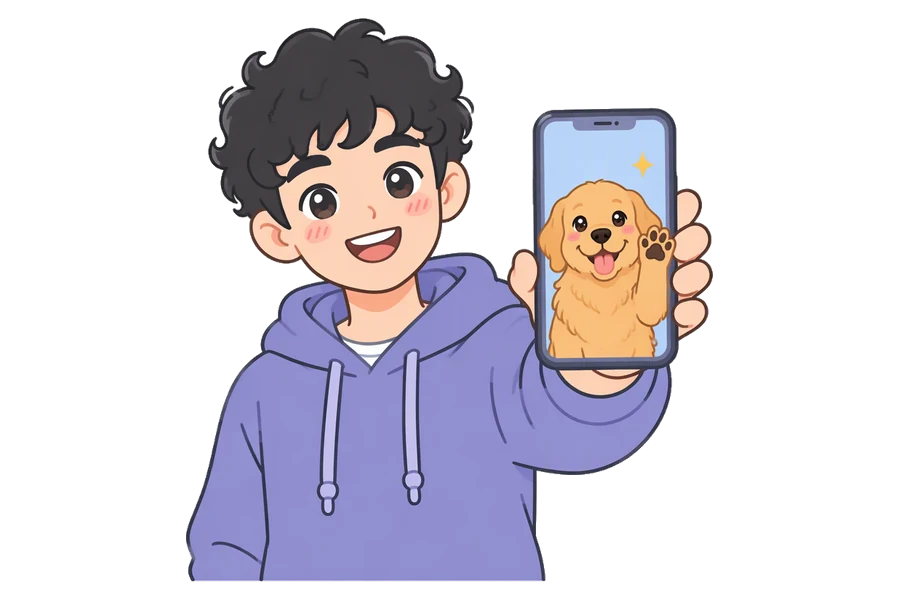
Short-form creators
Make animated gags, fables and character moments for TikTok, Reels and Shorts without learning animation software.
Make this animation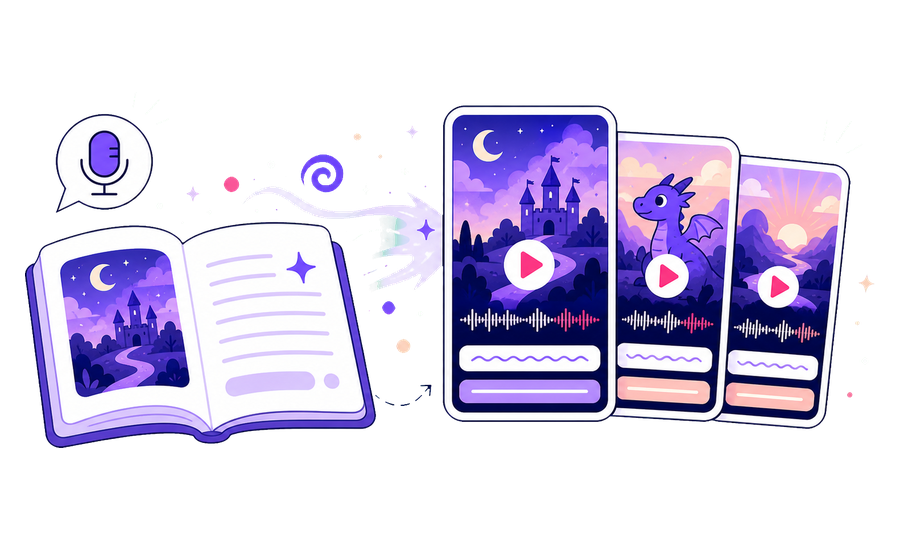
Storytellers without a studio
Test an animated character or a story world in an afternoon instead of hiring an animator.
Make this animation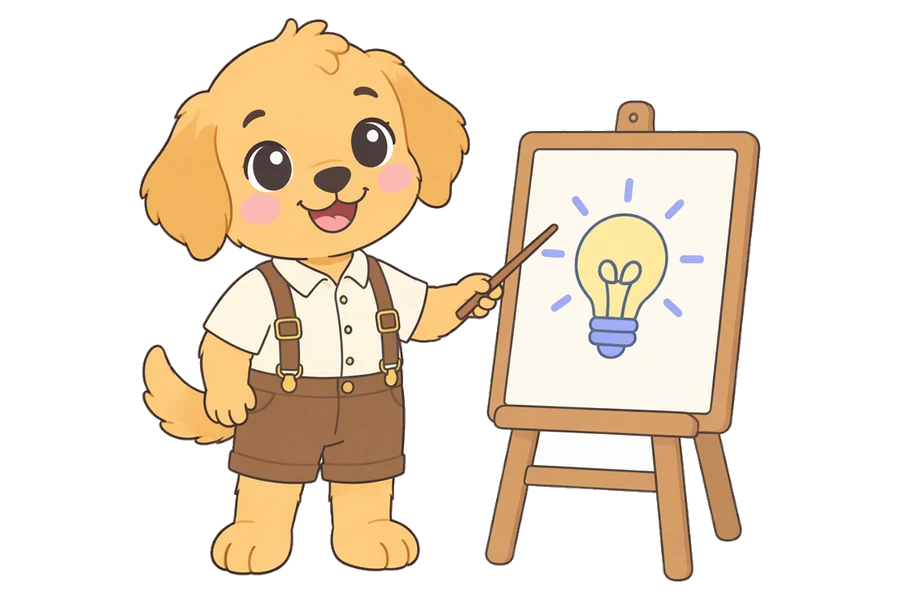
Brands and educators
Explain an idea with a friendly animated character who comes back every episode.
Make this animationWhat you get from the AI animation generator
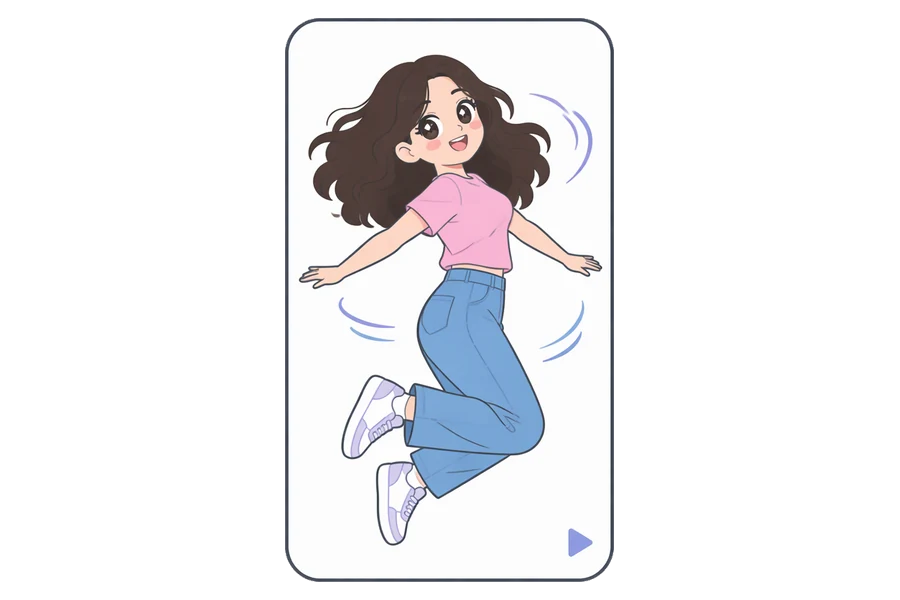
Real generated motion
Characters move, react and turn to camera. Every episode is AI animation, not stills with a slow zoom.
Make this animation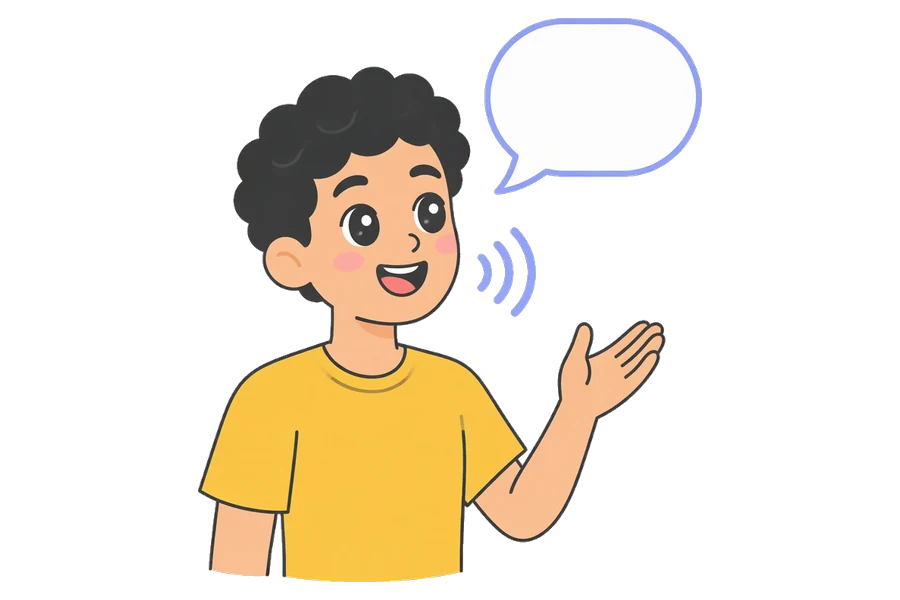
Voices and sound with the motion
Sound is generated with the picture, so the characters say their lines as they move, over the sounds of the scene.
Make this animation
Many looks, or your own
Glossy 3D, hand-painted, storybook, paper doodle, felt, comic, minimal ink, realistic and more. The style words stay editable.
Make this animation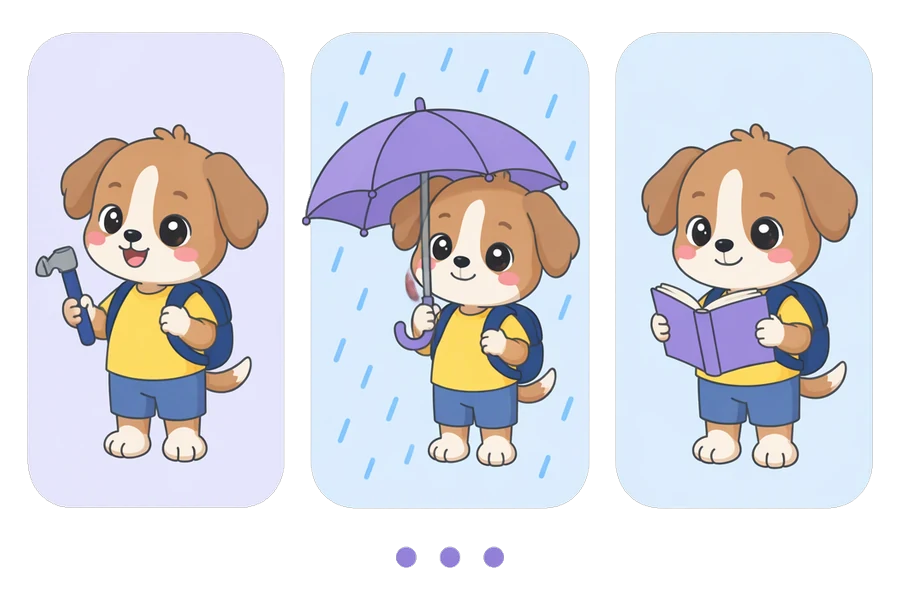
The same character in every shot
Each character gets a reference sheet in the look you chose, and every scene is animated from it, so a 3D fox stays the same fox.
Make this animationFrequently asked questions
How much does AI animation cost?
It depends on length and resolution. At 720p, a 15-second episode uses 8 video slots and a 30-second one uses 18. Plans start at $19 a month, and you see the exact number before each episode is made.
Can I try the AI animation generator for free?
Yes. With a free account you can design a show and read its first two episode scripts. Making the episodes needs a paid plan.
Can I make just one animated clip?
Yes. Make the first episode and stop there, or set the schedule to On demand so a new episode is only made when you ask for it.
Can I animate my own photo or drawing?
Not as a photo animator. You can upload a reference picture for a character, and every episode is drawn from it, but the animation is generated from the script, not by moving the pixels of your picture.
Can I make an AI animation from text?
Yes, that is how it starts. Describe the characters and what keeps happening in a sentence or two. Fableclip designs the cast and the look, writes each episode, then animates it with motion, dialogue and sound. You read the script before any video is made.
Can I make landscape AI animation for YouTube?
Yes. Pick Landscape 16:9 under Frame. Portrait 9:16 is the default, for TikTok, Reels and Shorts.
Does AI animation come with subtitles?
No subtitles are burned in, so the picture stays clean. Add captions with each platform's own tools when you post.
Are the TikTok videos on this page made with Fableclip?
No. They are popular AI animations by other creators. Each card plays a few seconds of a post and names the creator. Tapping it opens a ready-made show with the same premise and look, but our own characters. The style pictures are previews of each look.
Animate your own characters
Describe them in one line and pick a look. The AI animation generator designs the cast and animates every episode, with the same characters each time.
Start an AI animation