AI series generator
for animated shows
Describe a show in one sentence. The AI series generator gives you a cast, a look and new episodes that pick up where the last one stopped.

- Real AI-generated motion
- The same cast every episode
- Free episode script preview
- Posts on your schedule
AI series people binge on TikTok


Episodic AI shows by TikTok creators, not made with Fableclip. Tap one to start a series like it. Views as of Nov 7, 2026.
Episodes from the AI series generator post to your channels
How the AI series generator works
The real Fableclip screens, with one of the shows on this page. The episode picture is an illustrated preview.
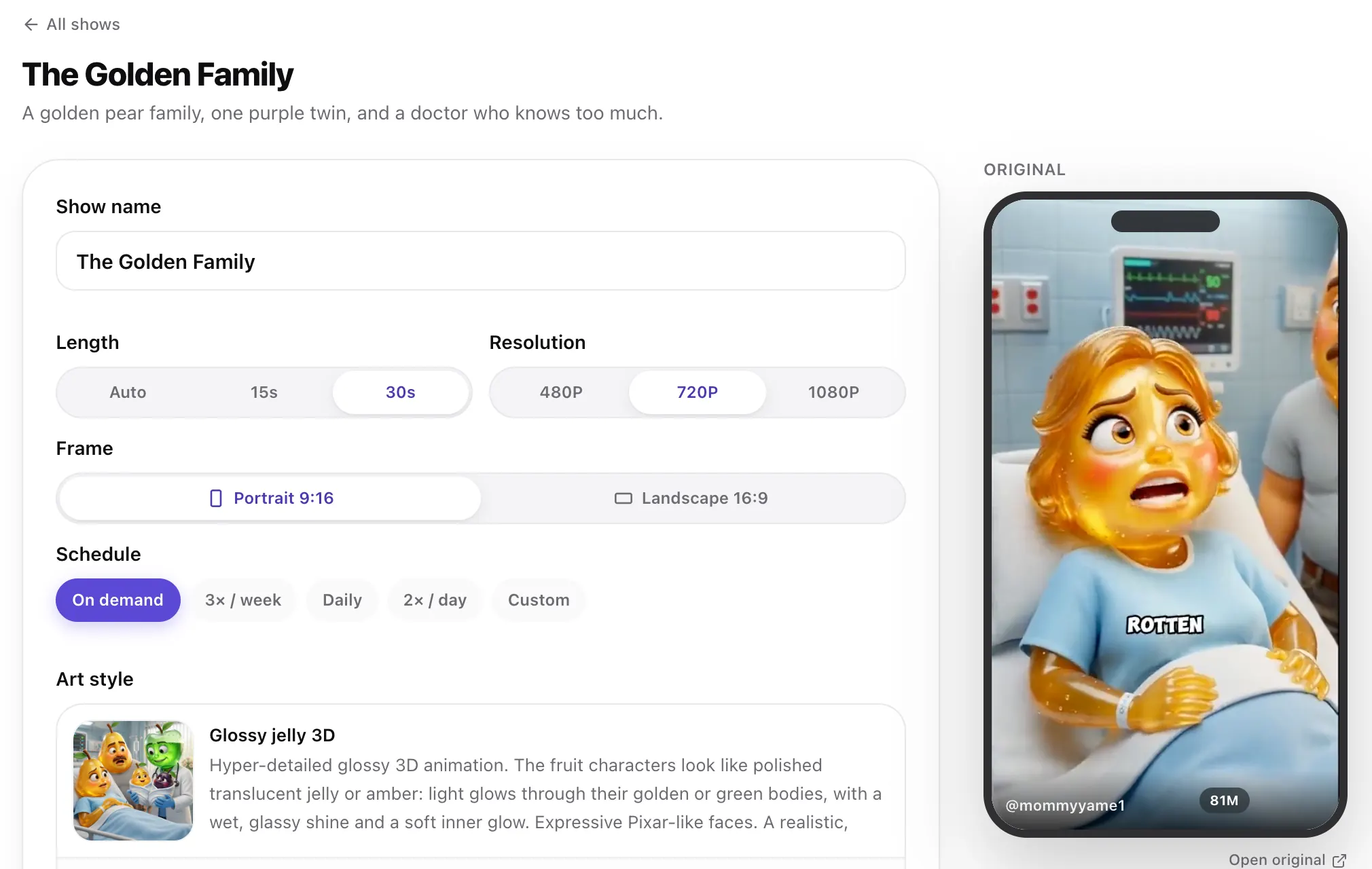 Step 1
Start from a series that already works
Tap any video at the top of this page. Its series opens ready to go, with the original playing beside it.
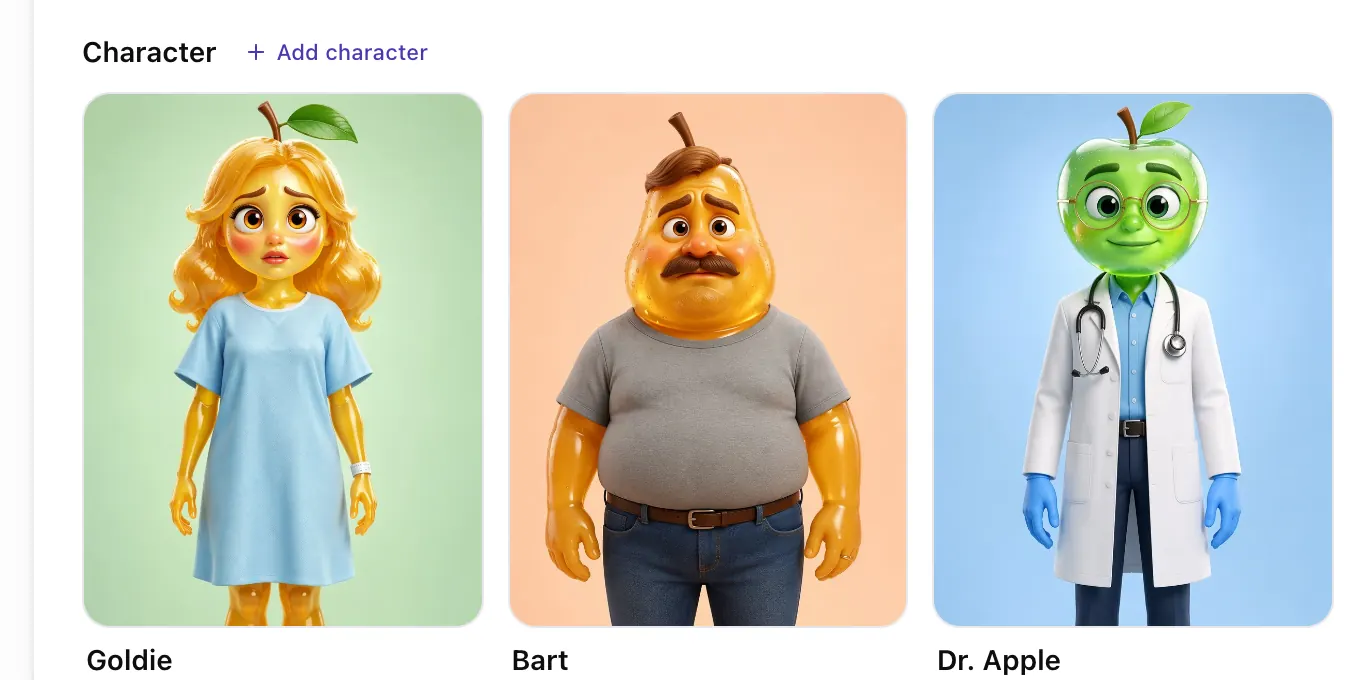 Step 2
Meet the cast
Every character comes with a reference sheet, so they look the same in every episode. Tap one to change it.
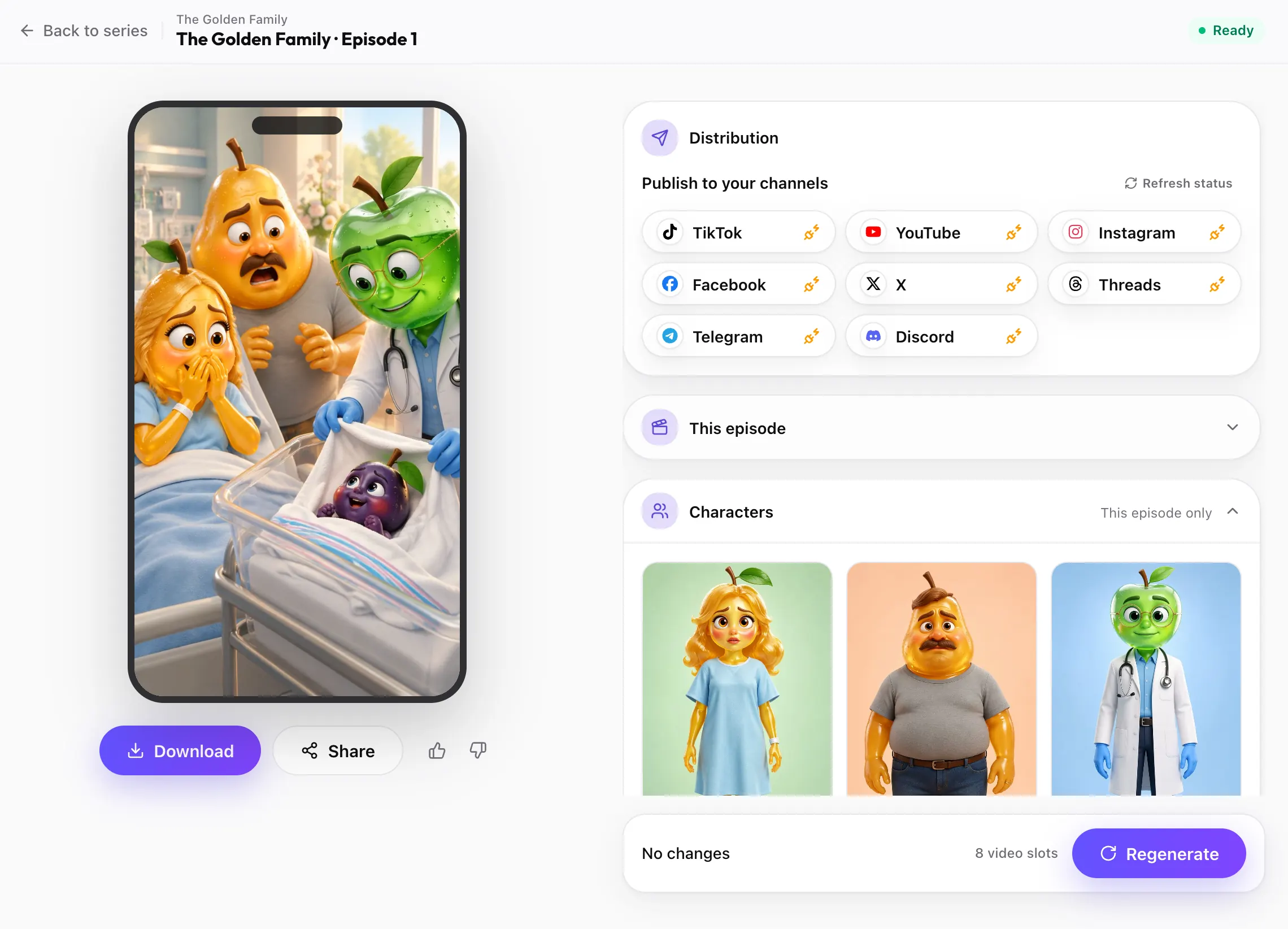 Step 3
Post every episode
Each finished episode of your AI series is ready to download or post to TikTok, YouTube, Instagram and the other channels you connect, on your schedule.
Start my AI series


Show ideas for the AI series generator
Some open a ready show, the rest put their idea into the box at the top. Pictures are previews.
 Cartoon
Joke sketches
Four friends act out a different joke every episode, ending on the punchline.
 3D
Fruit family drama
A golden fruit family and the one child who does not fit in. A new twist every part.
 AI cats
Cat sitcom
The same ginger cat, a new job and a new firing every episode.
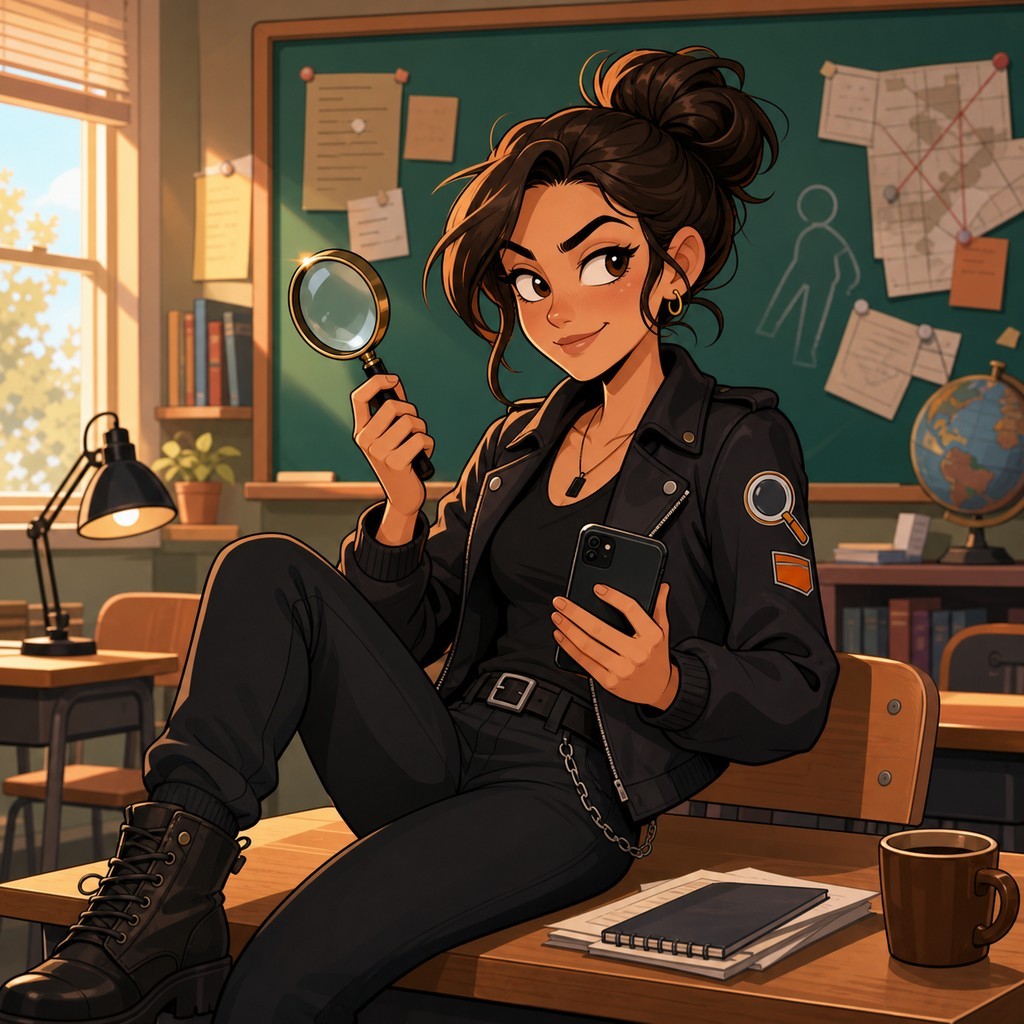 Modern cartoon
Cozy mystery
Two grandmas, one knitting club and one small-town case per episode.
 3D
The wake-up challenge
A girl who sleeps through everything and a grandma with a louder plan every episode.
 Hand-painted
Bedtime adventures
A bear cub and an old owl explore somewhere new every night.
What is an AI series generator?
An AI series generator makes a show, not a single clip. You describe the idea once. It writes a fixed cast, picks a look and sets the rules for each episode, then keeps making new episodes with the same characters.
A one-off AI video starts from zero every time, so the hero looks different in every clip and the story goes nowhere. An AI series generator remembers who is in the show, what they look like and what has already happened. That is what turns a run of clips into a show people follow.
In Fableclip, the AI series generator is called Animated Series. Every episode comes back as a finished clip with real motion and sound, and you check the cast and read the scripts before any video is made.
How the AI series generator keeps the cast the same
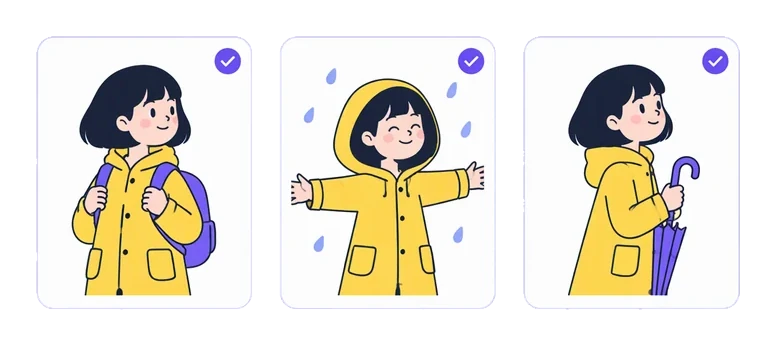
If the hero's face changes between episodes, viewers stop recognising her. So every character has a written look: build, colours, face, hair and clothes. That exact description goes into every episode they appear in.
Each main character also gets a reference sheet drawn from that look, and every episode is drawn from it too. Be specific: "a ginger tabby with a white bib and a notched ear" holds up far better than "a cat".
One-off people, like this episode's guest or a crowd, are written fresh each time, so no reference sheet is spent on a face that never comes back.
Writing an AI series that keeps going

Every show has a short brief that says how episodes connect. A continuing story also gets a storyline: a short paragraph on the core story and where it is heading. Each episode opens on the moment the last one ended, moves the story one step and ends on a new hook, and the AI series generator keeps a summary of the story so far.
Some shows work better as standalone episodes with the same cast: a new joke, a new job or a new case each time. The brief handles both, and you can rewrite it whenever you like.
Put the show on a schedule and each new episode is posted to the accounts you connect, so the series keeps going without you.
Who the AI series generator is for

Faceless show runners
Run an animated account with characters people recognise, without filming, drawing or animating anything.
Make this series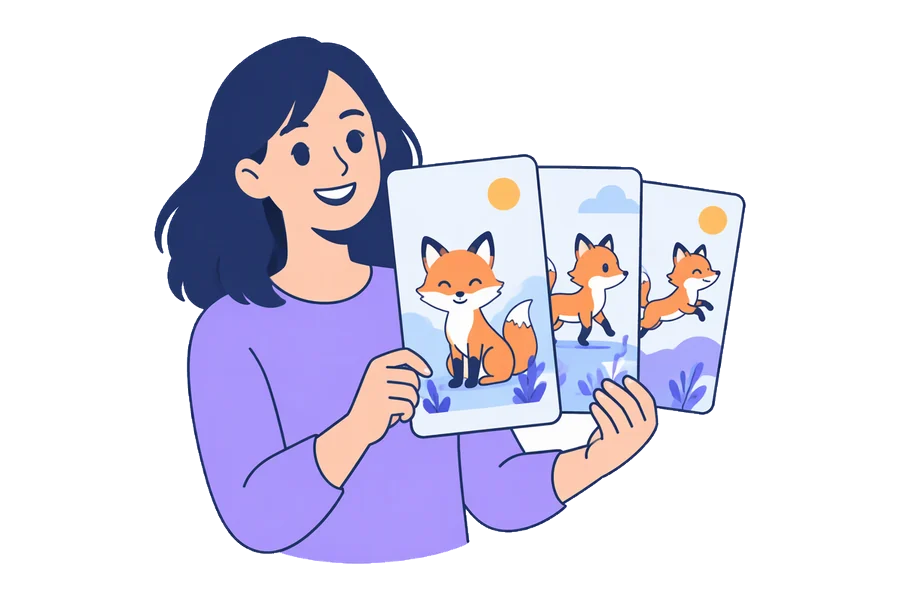
Creators who outgrew one-off clips
Keep your best character and give viewers a reason to come back for part two.
Make this series
Kids', faith and history channels
Tell stories through a friendly recurring cast, with a new episode on a steady schedule.
Make this seriesWhat you get from the AI series generator
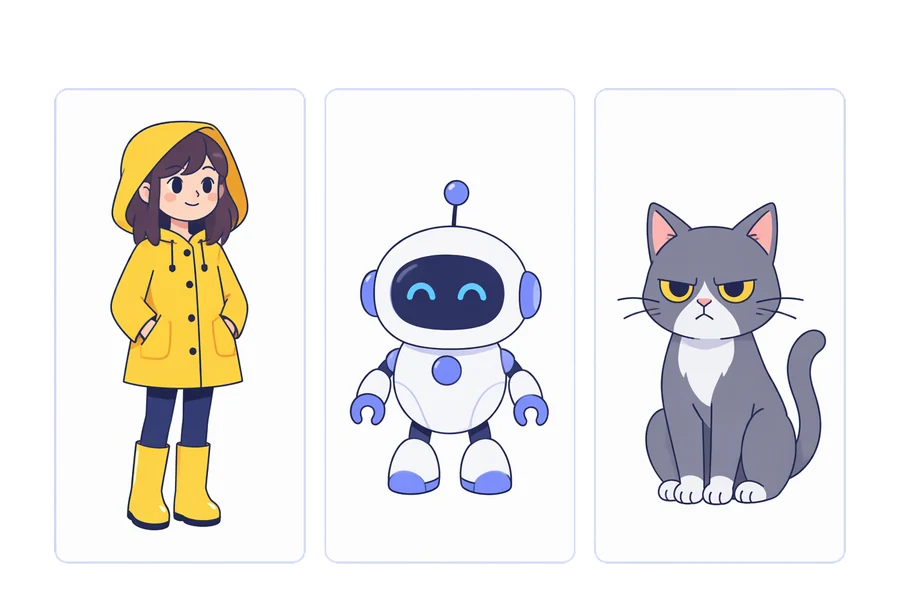
A cast that stays the same
Each character keeps a written look and a reference sheet that every episode is drawn from.
Make this series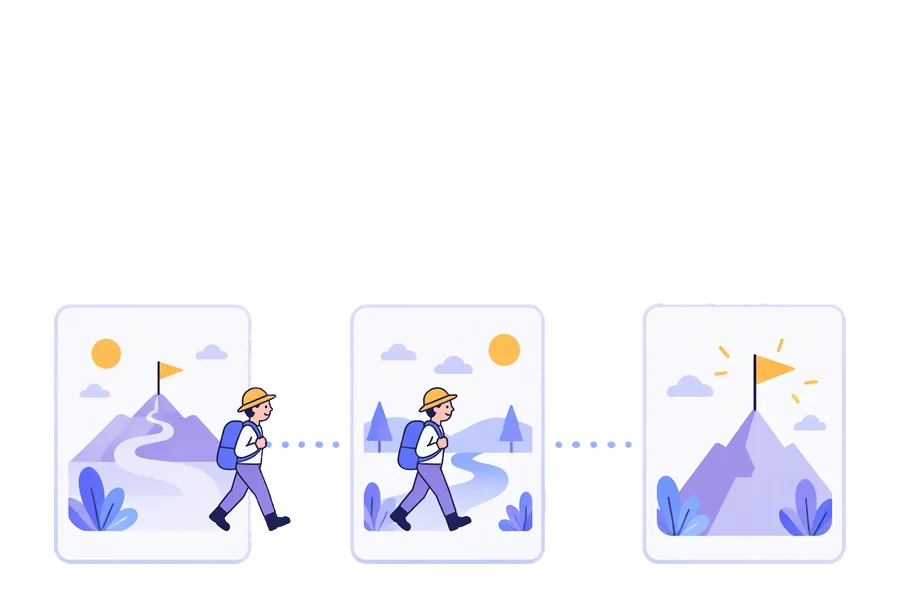
Episodes that continue
A continuing show opens each episode where the last one ended and remembers what happened.
Make this series
Characters that talk
Sound is generated with each episode, and the characters speak the lines in its script.
Make this series
Templates, or your own show
Open a ready-made show to see how its cast and episodes are set up, or write your own from one sentence. Every part stays editable.
Make this seriesFrequently asked questions
How much does an AI series cost?
It depends on length and resolution. At 720p, a 15-second episode uses 8 video slots and a 30-second one uses 18. Plans start at $19 a month, and you see the exact number before each episode is made.
Can I try the AI series generator for free?
Yes. With a free account you can design a show and read its first two episode scripts. Making the episodes needs a paid plan.
Can I use my own characters in the AI series generator?
Yes. Tap a character to upload your own reference picture, or describe them and generate one. Every episode is drawn from that picture and description.
Can each episode be its own story?
Yes. Say so in “How each episode is written”: the same cast with a new joke, job or case each time, and nothing carried over. Leave it as a continuing story and each episode opens where the last one ended.
Can I make a landscape AI series for YouTube?
Yes. Pick Landscape 16:9 under Frame. Portrait 9:16 is the default, for TikTok, Reels and Shorts.
Can I change an episode after it is made?
Yes. Open the episode, edit its title, scene, script or characters, and regenerate it. Regenerating uses the same slots as making it.
Do the episodes come with subtitles?
No subtitles are burned in, so the picture stays clean. Add captions with each platform's own tools when you post.
Are the TikTok videos on this page made with Fableclip?
No. They are popular AI series by other creators. Each card plays a few seconds of a post and names the creator, and tapping it opens a show like it. The pictures elsewhere on this page are previews.
Start your own animated series
Describe a show in one line or open a template. The AI series generator writes the cast, the look and every episode, and each episode picks up where the last one stopped.
Start an AI series