Cartoon video generator
for your characters
Describe the characters and what happens. The cartoon video generator gives them a cartoon look and animates every episode with sound.

- Real cartoon animation
- The same cast every episode
- Free episode script preview
- Posts on your schedule
AI cartoon videos people are watching on TikTok


AI cartoons by TikTok creators, not made with Fableclip. Tap one to start a cartoon like it. Views as of Nov 7, 2026.
Cartoons from the cartoon video generator post to your channels
How the cartoon video generator works
The real Fableclip screens, with one of the shows on this page. The episode picture is an illustrated preview.
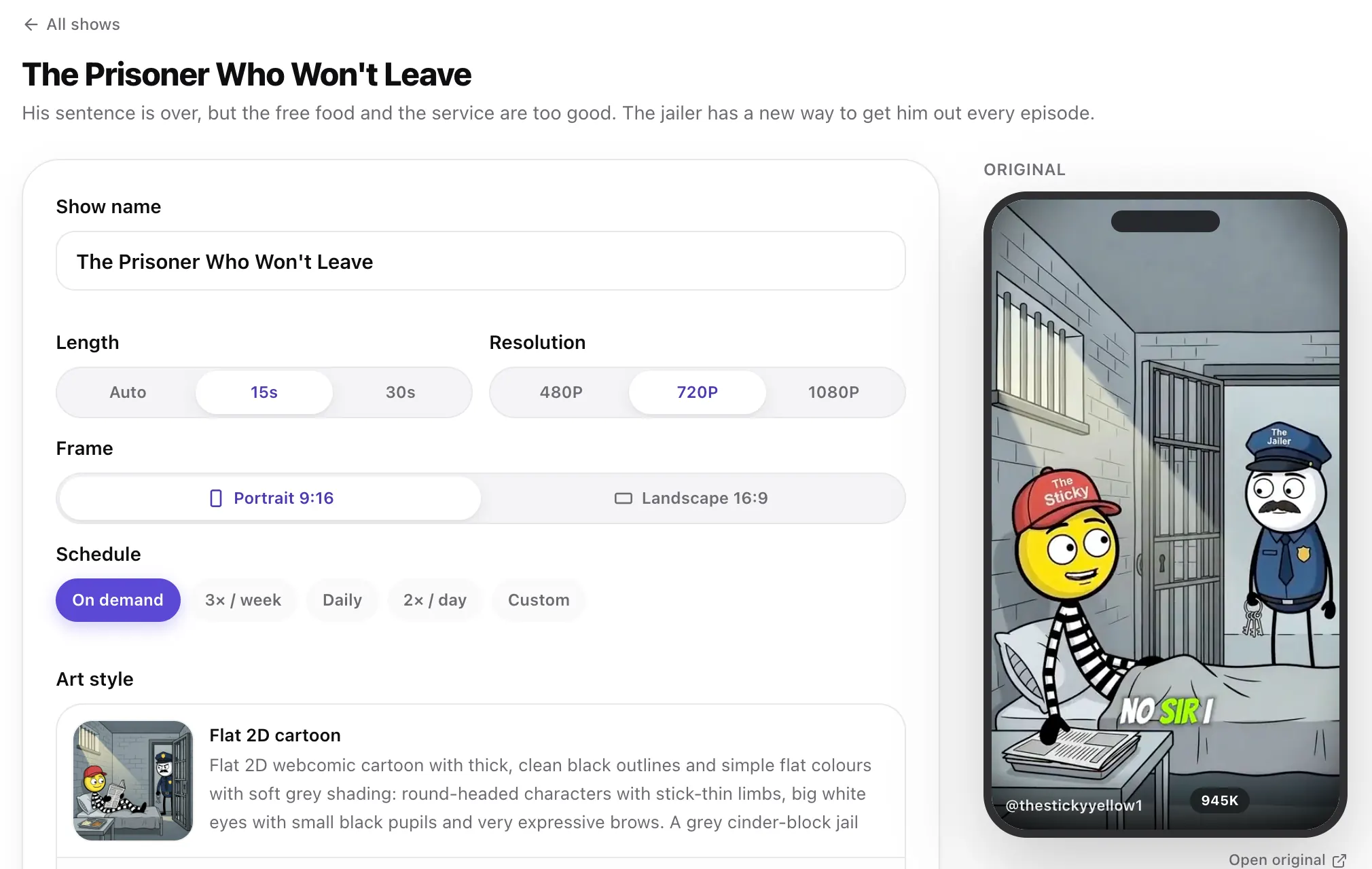 Step 1
Start from a viral cartoon
Tap any video at the top of this page. Its cartoon opens ready to go, with the original playing beside it.
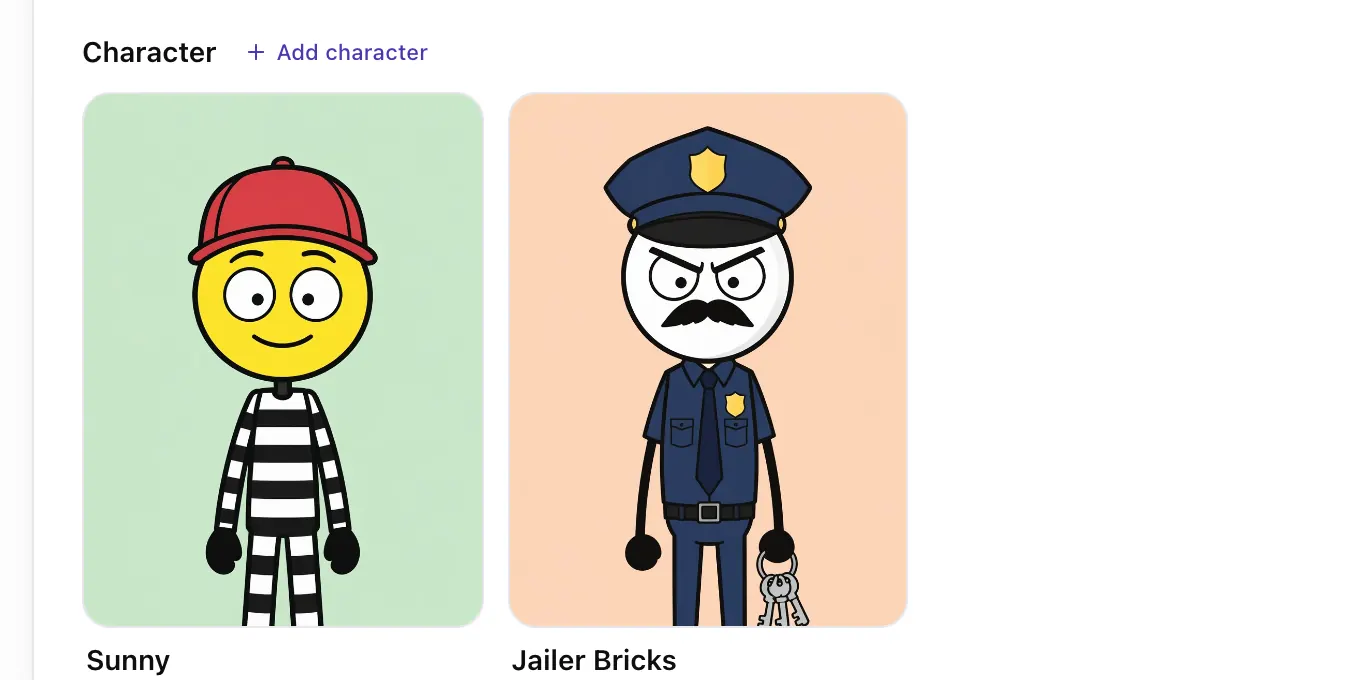 Step 2
Meet the cast
Every character comes with a reference sheet, so they look the same in every episode. Tap one to change it.
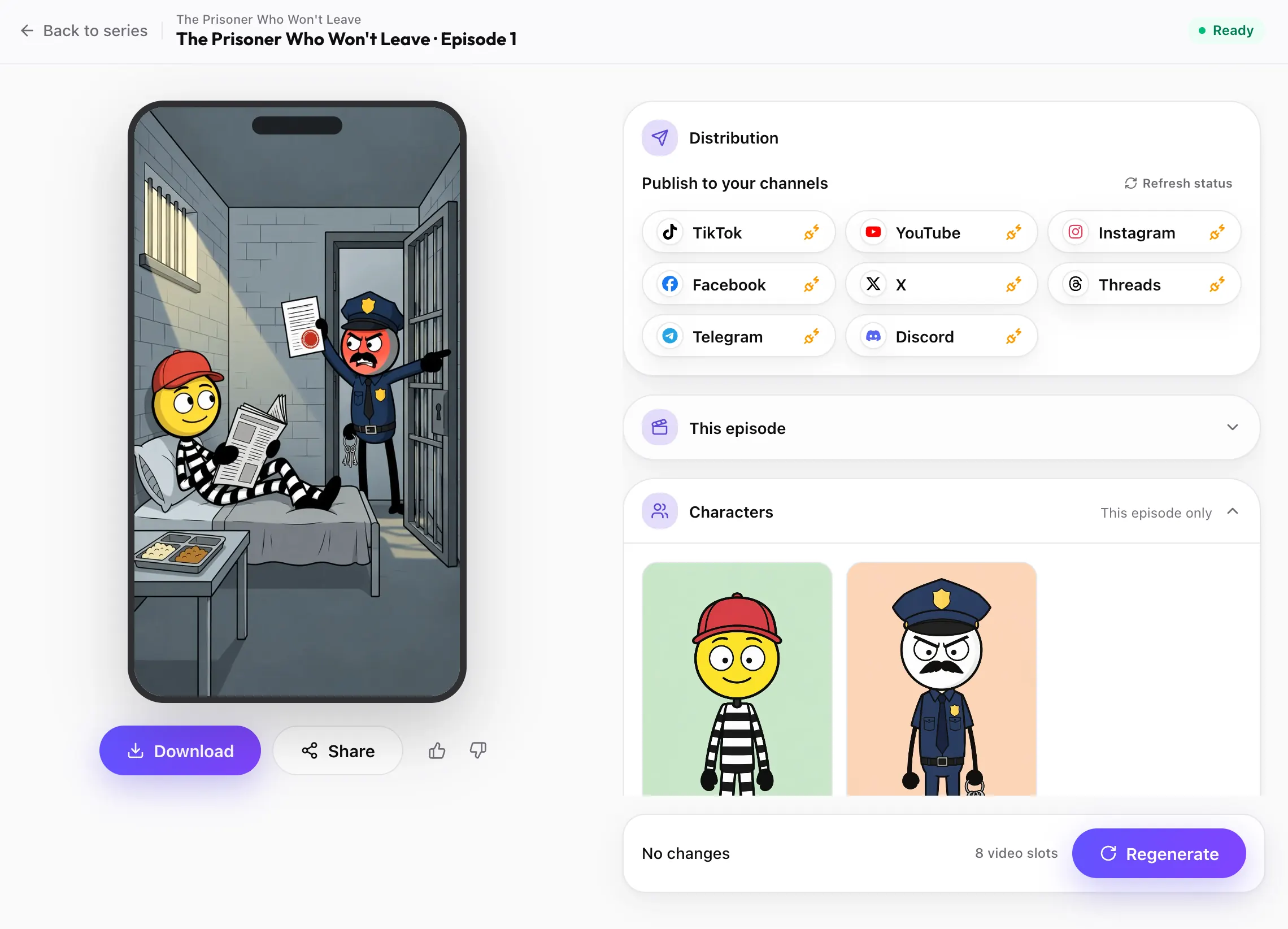 Step 3
Post every episode
Each finished cartoon video is ready to download or post to TikTok, YouTube, Instagram and the other channels you connect, on your schedule.
Make a cartoon video


Cartoon styles in the cartoon video generator
Tap a look and a cartoon show in that style goes into the box at the top, ready to change. Pictures are previews of the style, not frames from a video.
 Disney
3D family cartoon
Big eyes, soft rounded shapes and warm light, the family-film cartoon look.
 Ghibli
Hand-painted cartoon
Watercolor worlds and delicate linework for gentle, magical stories.
 Storybook
 cartoon
Painterly brushstrokes and golden light, like a picture book that moves.
 Cozy Felt
Felt puppet
Knitted wool characters with visible fibers and a cozy mood.
 Doodle
 cartoon
Thick wobbly outlines and stick-figure charm on a plain white page.
 Comic
Comic cartoon
Bold ink outlines and cel shading for action and adventure.
What is a cartoon video generator?
A cartoon video generator turns an idea into a moving cartoon. You describe the characters and what happens, choose a cartoon look, and the AI animates it: a kitten falls into a pool, a dragon toasts a birthday cake, a hamster saves an ice-cream cone. You never draw a frame, and you start from words, not a photo.
Fableclip's cartoon video generator makes cartoons as an animated series. It designs your cartoon cast first, with a written look and a reference sheet for each character, then animates every episode with sound, so the characters move, react and say their lines.
People also search for an AI cartoon generator when they want to turn a photo into a cartoon picture. That is a different tool. Here you get cartoon videos from a written idea; a reference picture can guide how a character looks, but your photo is not cartoonized.

Making kids' cartoons with the cartoon video generator

Short cartoons are one of the most-watched formats on TikTok, Reels and YouTube Shorts: little characters, one clear problem and a funny or sweet ending. For kids, keep them gentle and readable: bright colors, simple actions, short lines and an ending that resolves.
Glossy 3D and storybook looks suit family stories; doodle and felt suit jokes and explainers; comic suits action. Say in the idea that the show is family-friendly with no text on screen.
Keeping the same cartoon character in every episode
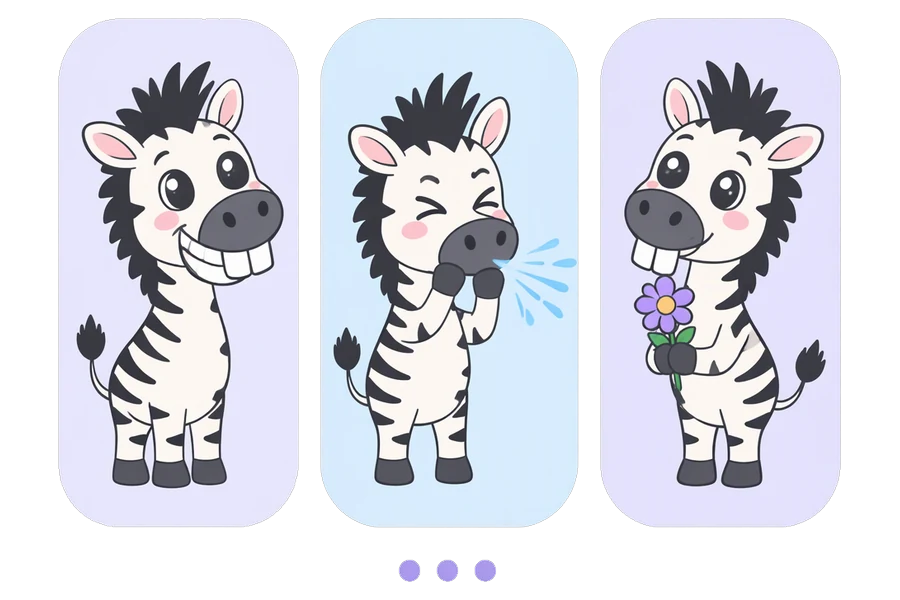
The cartoon channels that grow keep the same character and give viewers a reason to come back. So every character has a written look, covering shape, colors, clothes and one unmistakable detail, plus a reference sheet drawn from it. Every episode is drawn from both.
Episodes can continue one story or stand alone with the same cast. Put the show on a schedule and each new cartoon is posted to the accounts you connect.
Who the cartoon video generator is for
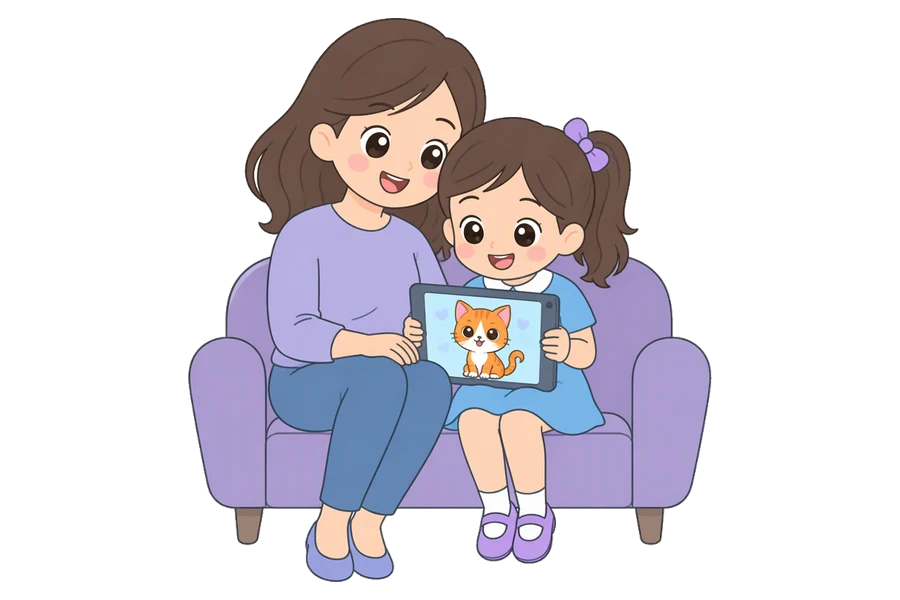
Kids' and family channels
Make gentle cartoon stories with friendly characters who come back every episode, without hiring an animator.
Make this cartoon
Short-form creators
Turn a running joke into a cartoon series that stops the scroll.
Make this cartoon
Teachers and explainers
Explain an idea with a cartoon character in a doodle or storybook look.
Make this cartoonWhat you get from the cartoon video generator
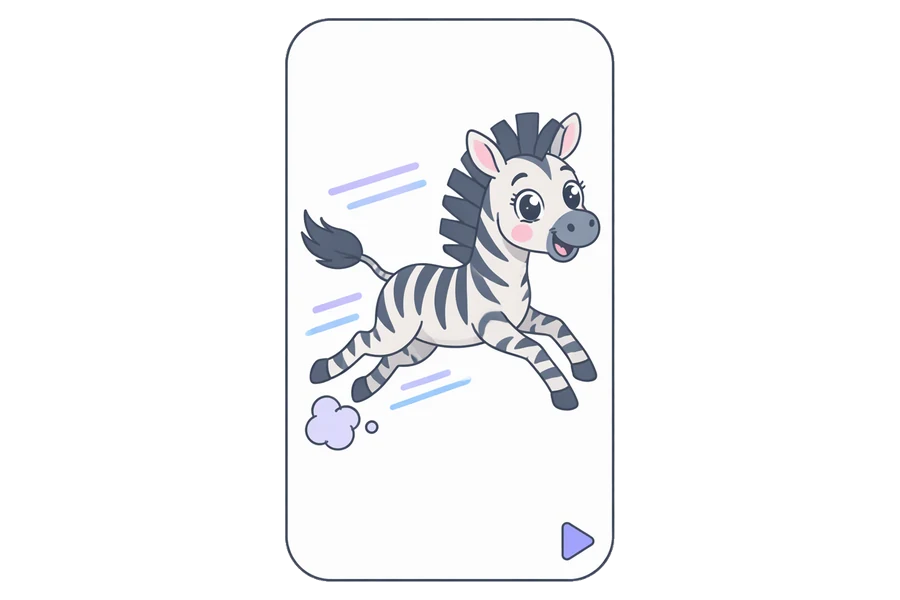
Real cartoon animation
Characters move and react. Every episode is generated animation, not stills with a slow zoom.
Make this cartoon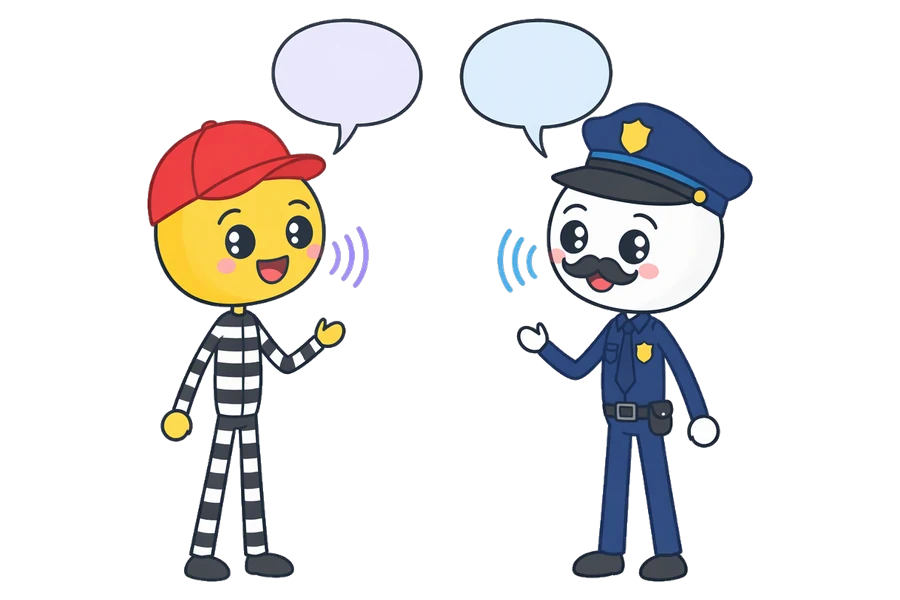
Cartoons that talk
Each episode comes with sound. The cartoon characters say their lines out loud, so a joke lands without a single caption.
Make this cartoon
Cartoon looks to choose from
Glossy 3D, hand-painted, storybook, felt, doodle, comic, minimal ink, or style words of your own.
Make this cartoon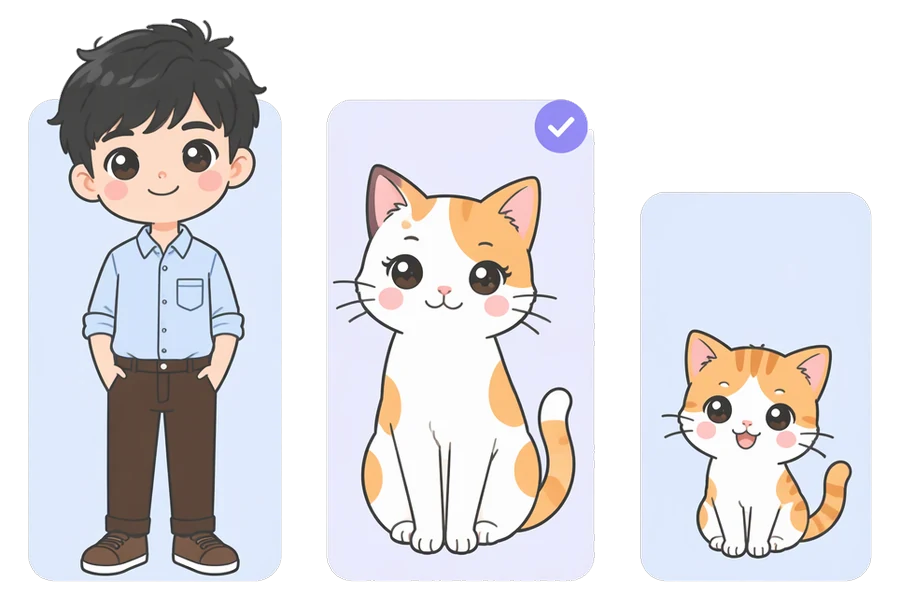
A cartoon cast that stays the same
Every cartoon character has a reference sheet in its cartoon look, so the zebra keeps the same stripes in every episode.
Make this cartoonFrequently asked questions
How much does the cartoon video generator cost?
It depends on length and resolution. At 720p, a 15-second episode uses 8 video slots and a 30-second one uses 18. Plans start at $19 a month, and you see the exact number before each episode is made.
Can I try the cartoon video generator for free?
Yes. With a free account you can design a cartoon show and read its first two episode scripts. Making the episodes needs a paid plan.
Is this an AI cartoon generator for photos?
No. The cartoon video generator makes cartoon videos from a description. You can upload a reference picture to guide how a character looks, but your photo is not turned into a cartoon picture.
Can I make cartoons for kids?
Yes. Pick a bright 3D or storybook look, write the show as family-friendly and ask for no text on screen. Short lines and one clear problem per episode suit young viewers best.
Can I write my own cartoon script?
Yes. Fableclip writes each episode first, and before the video is made you can rewrite any line, change who says it, or redo the whole scene.
Can I change an episode after it is made?
Yes. Open the episode, edit its title, scene, script or characters, and regenerate it. Regenerating uses the same slots as making it.
Do cartoon videos come with subtitles?
No subtitles are burned in, so the picture stays clean. Add captions with each platform's own tools when you post.
Are the TikTok videos on this page made with Fableclip?
No. They are popular AI cartoons by other creators. Each card plays a few seconds of a post and names the creator. Tapping it opens a ready-made cartoon show with the same premise and look, but our own characters. The style pictures are previews of each look.
Make your own cartoon series
Describe your characters in one line and pick a cartoon look. The cartoon video generator designs the cast and animates every episode, with the same characters each time.
Start a cartoon video