AI movie generator
for short films
Describe your film in one sentence. The AI movie generator casts it and animates it as short scenes of up to 30 seconds, with the same characters in every part.

- Real AI-generated motion
- The same cast in every scene
- Free episode script preview
- Posts on your schedule
AI films told in parts, from TikTok creators


AI stories in parts by TikTok creators, not made with Fableclip. Tap one to start a film like it. Views as of Nov 7, 2026.
Each part from the AI movie generator posts to your channels
How the AI movie generator works
The real Fableclip screens, with one of the shows on this page. The episode picture is an illustrated preview.
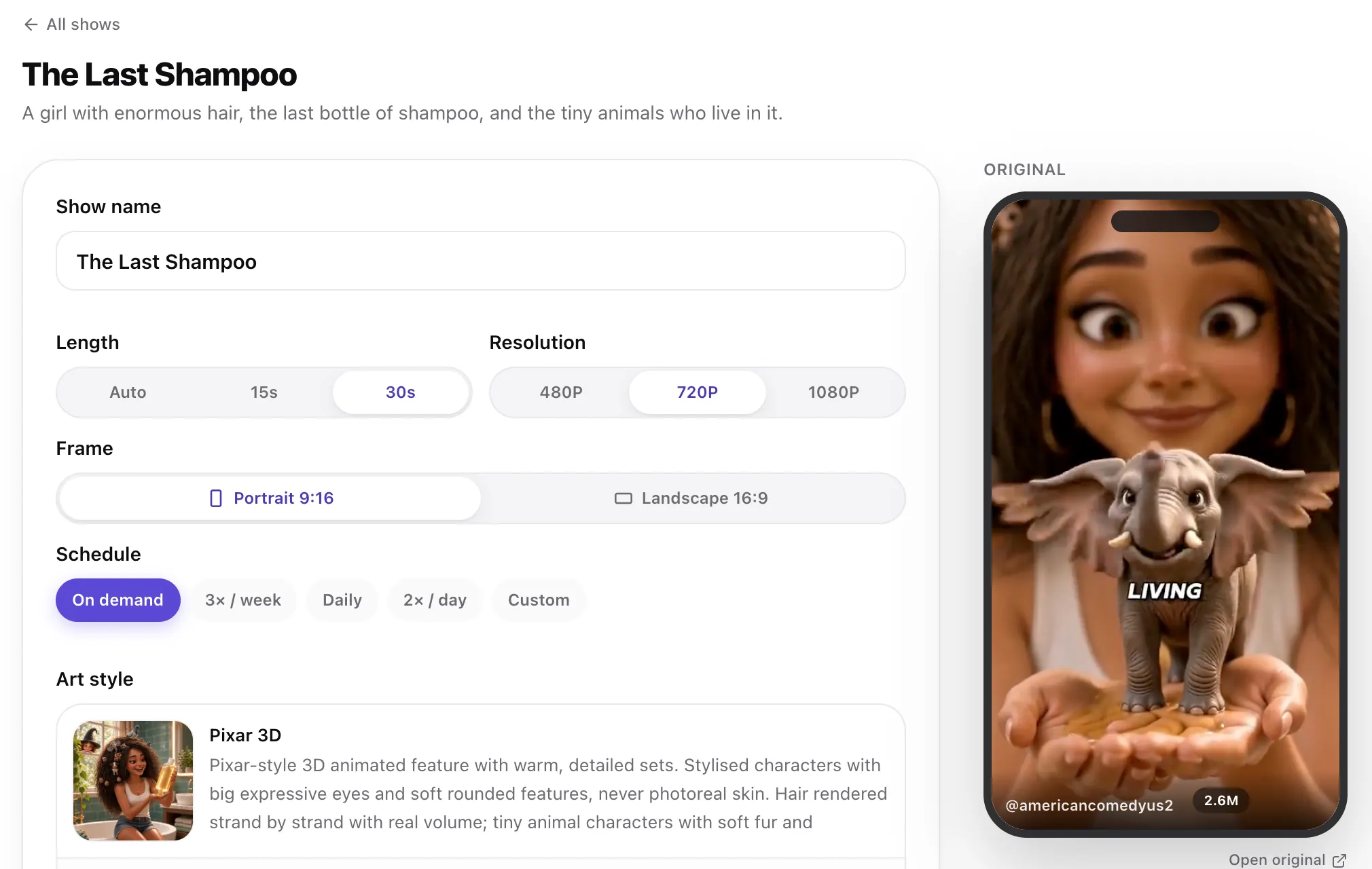 Step 1
Start from a viral AI movie
Tap any video at the top of this page. Its story opens ready to go, with the original playing beside it.
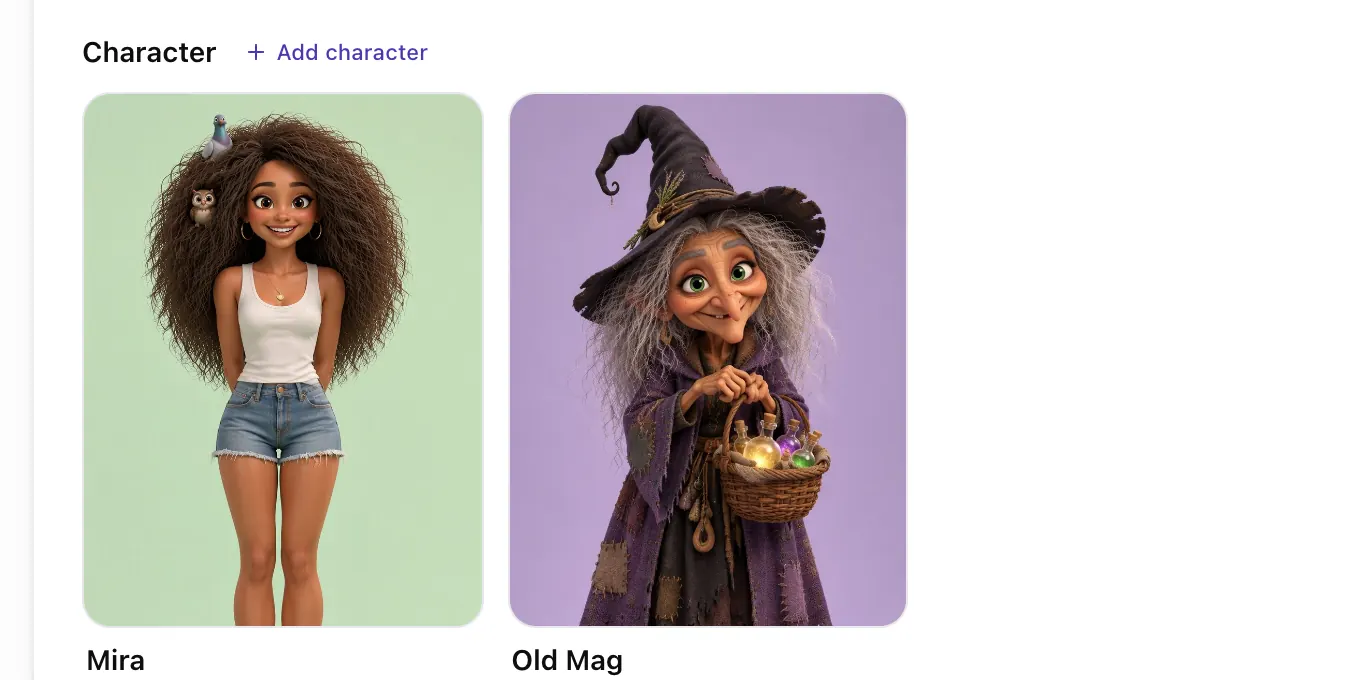 Step 2
Meet the cast
Every character comes with a reference sheet, so they look the same in every part. Tap one to change it.
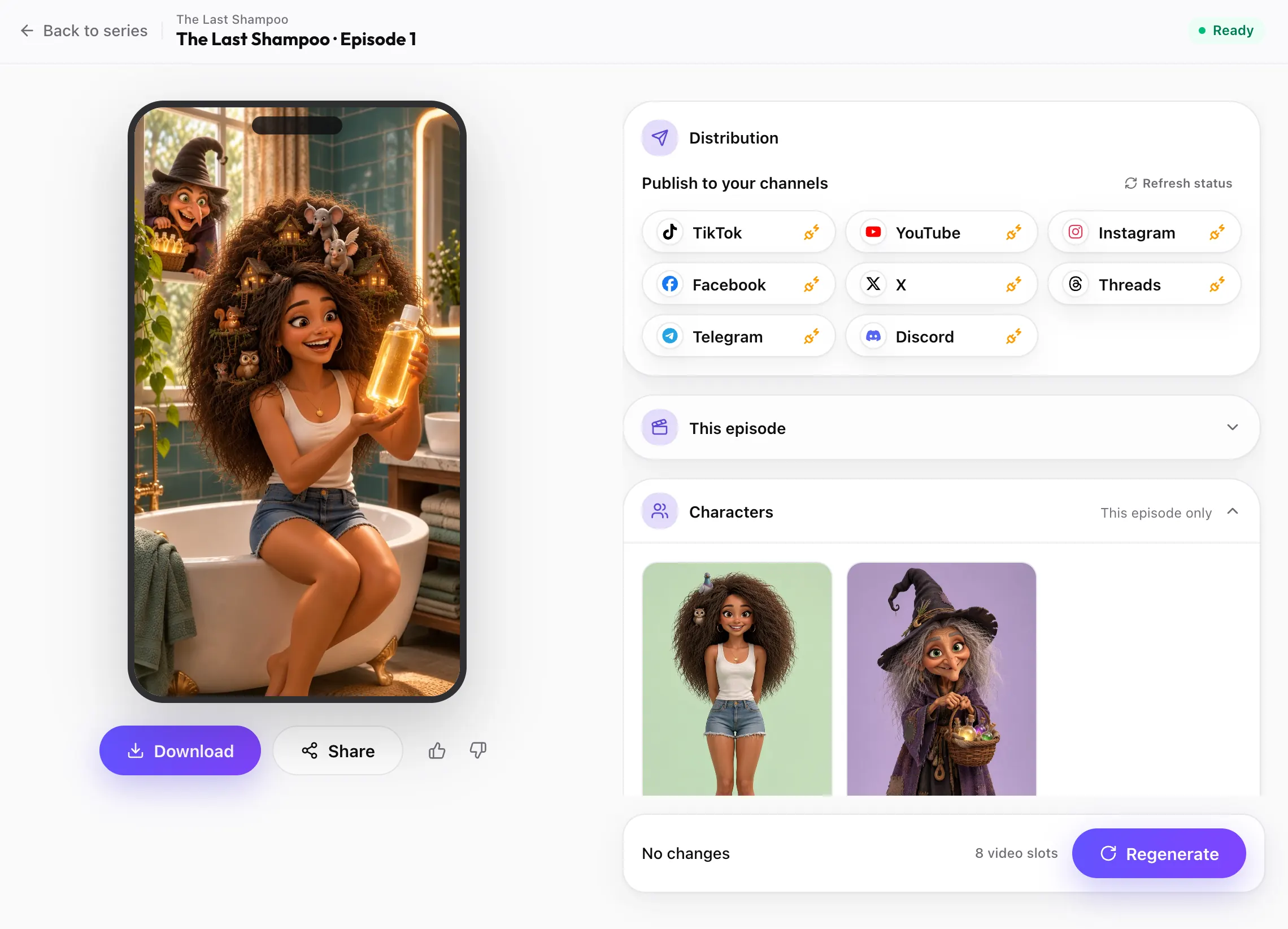 Step 3
Post every part
Each finished part of your AI movie is ready to download or post to TikTok, YouTube, Instagram and the other channels you connect, on your schedule.
Start my AI movie


Pick a genre for the AI movie generator
Tap a genre and its film premise goes into the box at the top, ready to change. Pictures are previews of the look, not frames from a film.
 Realistic
Mystery
A message in a bottle, in her own handwriting, dated ten years from now.
 Anime
Sci-fi
A lost robot, a silent space station and a crew that never came back.
 Hand-painted
Fantasy
A forest spirit and a door that only opens in the rain.
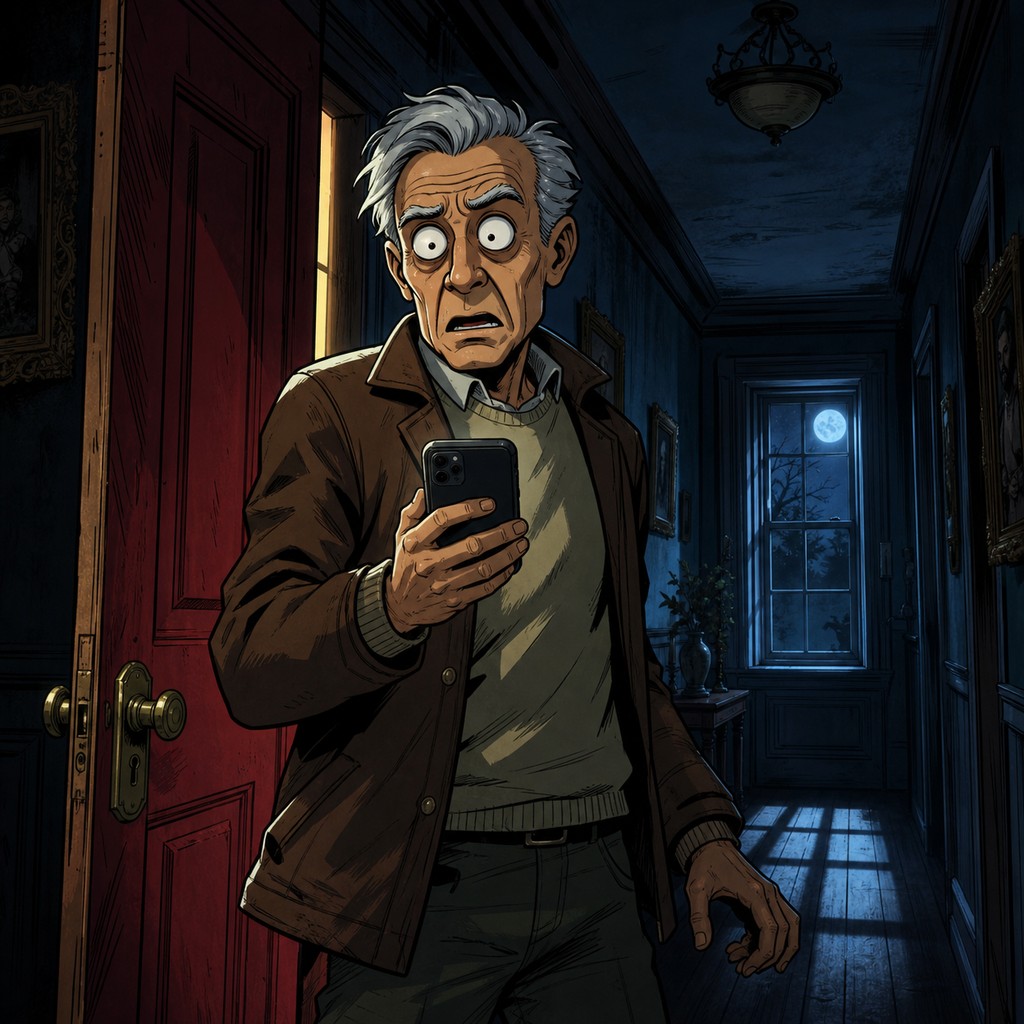 Creepy comic
Horror
An old house, a phone that rings at 3 a.m. and a caller one room closer.
 Comic
Action adventure
A night convoy, a frozen mountain pass and a map nobody should have.
 Storybook
Family film
A girl who talks to clocks and a town about to freeze at midnight.
What is an AI movie generator?
An AI movie generator turns a story idea into a film made of AI-generated scenes. You describe the premise, and it creates the characters, the look and the scenes, then animates them with sound.
The honest version of an AI movie today is short. Fableclip does not make feature-length films. What it does well is the part most AI video tools get wrong: the characters stay the same from scene to scene and the plot keeps moving, so a short film holds together.
In Fableclip, the AI movie generator runs on Animated Series. Each episode is one scene of your film, opening where the last one ended. You read the scripts before any video is made.
How to plan a short film for the AI movie generator
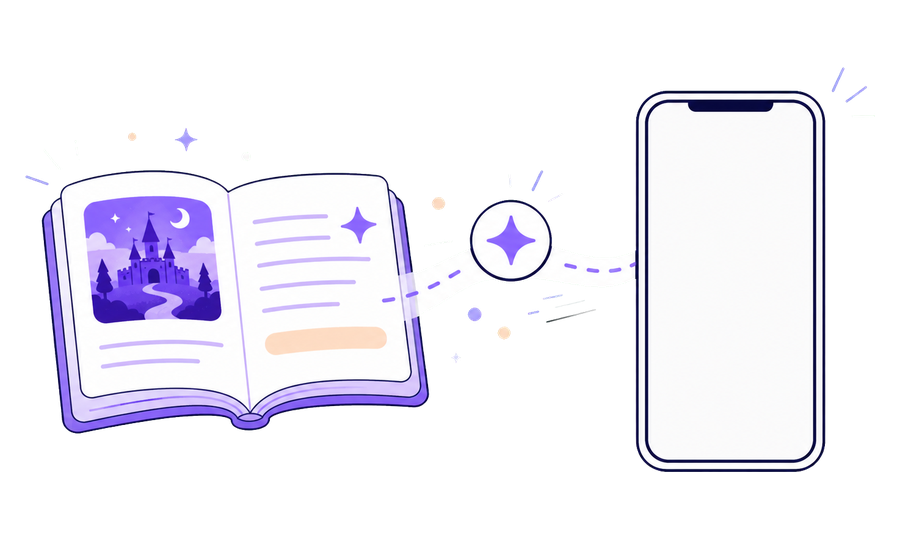
Think of each episode as one scene. A short film needs a setup, a turn, a crisis and an ending. Episode one sets up the situation and the central question; each episode after it opens where the last one ended and moves the story one real step.
Keep scenes simple: one place, two or three characters and one clear action. Describe each main character once in full, with one detail that makes them unmistakable, because that look is reused in every scene.
When you are ready to end the film, say so in the brief or in the next episode's script.
What an AI movie generator can and cannot do

It can design a cast that stays the same, animate scenes with real motion and sound, speak the lines you write, carry a story across many episodes and post each one on a schedule.
It cannot make a feature-length film in one go, edit footage you shot, put a real actor in the film or give you a timeline for frame-by-frame changes. Each episode is its own clip, so post them as parts, or download them and join them yourself.
Who the AI movie generator is for
Storytellers without a film crew
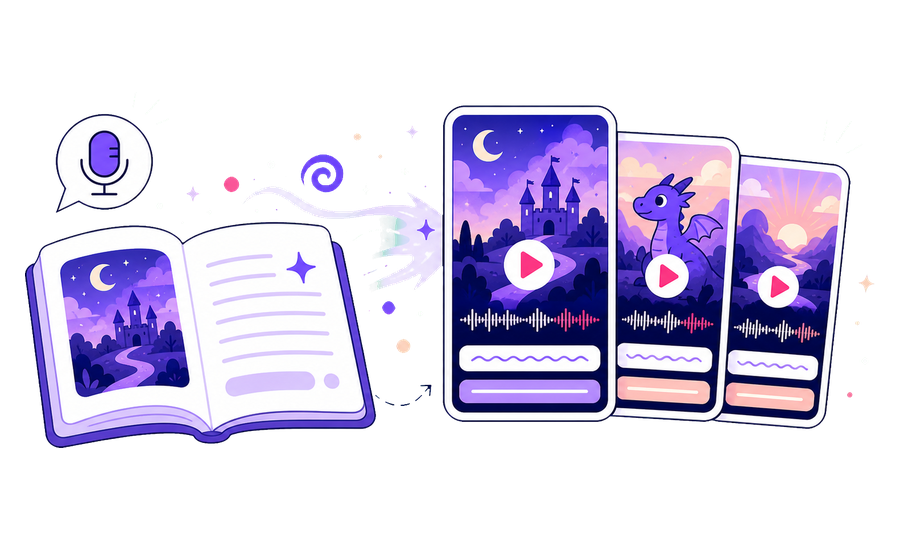
Turn a short film idea into animated scenes without cameras, actors or animators.
Make this film
Faceless channels
Post a film in parts and give viewers a reason to come back for the next one.
Make this film
Writers testing an idea
See whether a premise works on screen before you invest in anything bigger.
Make this filmWhat you get from the AI movie generator
A cast that stays the same
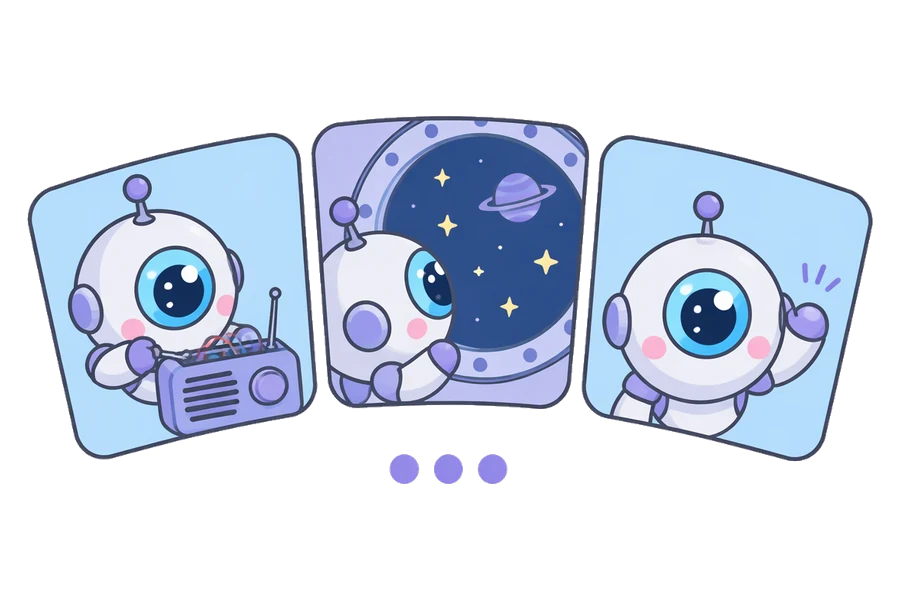
Each character keeps a written look and a reference sheet that every scene is drawn from.
Make this film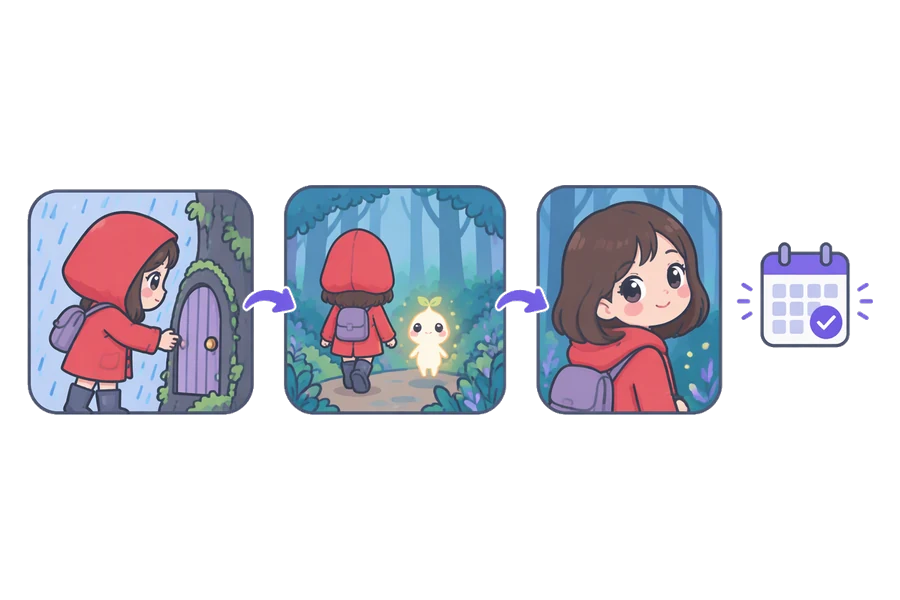
A plot that continues
Every episode opens on the last one's final moment and moves the story forward.
Make this film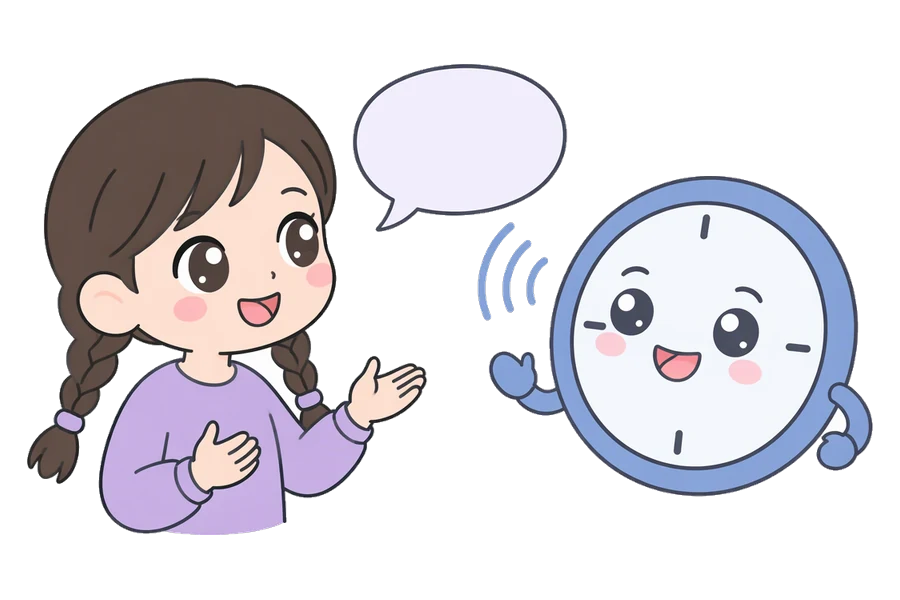
Characters that talk
Sound is generated with each scene, and the characters speak the lines in its script.
Make this film
Real generated motion
Scenes are AI-animated video, not stills with a slow zoom, in a realistic, anime, comic or storybook look.
Make this filmFrequently asked questions
Can the AI movie generator make a full-length film?
No. Each episode is one short scene of 15 or 30 seconds, or Auto to fit the script. A story can run across many episodes, but each one is its own clip.
How much does an AI movie cost?
It depends on length and resolution. At 720p, a 15-second scene uses 8 video slots and a 30-second one uses 18. Plans start at $19 a month, and you see the exact number before each episode is made.
Can I try the AI movie generator for free?
Yes. With a free account you can design a film and read its first two episode scripts. Making the episodes needs a paid plan.
Can I use my own characters?
Yes. Tap a character to upload your own reference picture, or describe them and generate one. Every scene is drawn from that picture and description.
Can I make a landscape AI movie?
Yes. Pick Landscape 16:9 under Frame for a wide, cinematic frame. Portrait 9:16 is the default, for TikTok, Reels and Shorts.
Can I join the scenes into one video?
Not inside Fableclip. Download each episode and join them in any video editor, or post them as parts.
Do the scenes come with subtitles?
No subtitles are burned in, so the picture stays clean. Add captions with each platform's own tools when you post.
Are the TikTok videos on this page made with Fableclip?
No. They are popular AI stories by other creators. Each card plays a few seconds of a post and names the creator, and tapping it opens a film like it. The pictures elsewhere on this page are previews.
Start your short AI film
Describe the premise in one line. The AI movie generator writes the cast and every scene, and each episode picks up where the last one stopped.
Start an AI movie