An AI faceless video generator turns a topic or a script into a finished video, with the script, voiceover, visuals, captions and music made for you, so you never appear on camera. Picking the best AI faceless video generator mostly comes down to one question: do you want help making videos, or a channel that keeps posting on its own?
We compared seven tools that people shortlist for faceless videos. Every price below was checked on each tool's own site on November 15, 2026.
Disclosure: we make Fableclip, one of the tools on this list. For every tool, including ours, we say who it suits and what to watch out for.
The short answer
For a faceless channel that keeps posting without you, start with Fableclip: one topic becomes a series that is written, voiced, illustrated and published on your schedule to 8 platforms, and it can also make fully animated series with the same characters in every episode.
Pick another tool when you need something specific:
- 10-minute long-form videos and many AI video models: Faceless.so
- Testing many formats and remixing viral videos: Revid.ai
- One simple channel on autopilot: AutoShorts.ai
- Editing each video yourself with the newest AI video models: InVideo AI
- Narrated videos from free stock footage, published to YouTube: Fliki
- Long YouTube explainers from a script or article: Pictory
AI faceless video generators compared
| Tool | From | Keeps posting on its own | Platforms | Free trial |
|---|---|---|---|---|
| Fableclip | $19/mo | Yes | 8 | 1 free video, no card |
| Faceless.so | $29/mo | Yes | 7 | None |
| Revid.ai | $39/mo | Yes (Auto-Mode) | 4 | Free credits |
| AutoShorts.ai | $19/mo | Yes | 3 | None (free plan paused) |
| InVideo AI | $20/mo | No | None, export only | Free plan |
| Fliki | $28/mo | Monthly batches | 1 (YouTube) | Free plan |
| Pictory | $29/mo | No | None, download only | 14 days |
Some tools show yearly prices first, so confirm the monthly price at checkout.
Faceless video generator or faceless channel on autopilot?
The tools on this list do two different jobs, and most bad purchases come from mixing them up.
- Channel autopilots (Fableclip, AutoShorts.ai, Faceless.so, Revid's Auto-Mode) take a topic once and keep making and posting new videos on a schedule. You review instead of produce.
- Video generators and editors (InVideo AI, Pictory, Fliki) make one video at a time from your prompt, script or article. InVideo AI and Pictory leave publishing to you; Fliki can publish to YouTube and plan a month of videos at once. You get more control over each video and more work per video.
If you want a channel that grows while you do something else, look at the first group. If you're making a handful of polished videos, or you already have scripts and footage, look at the second.
The 7 best AI faceless video generators, reviewed
1. Fableclip
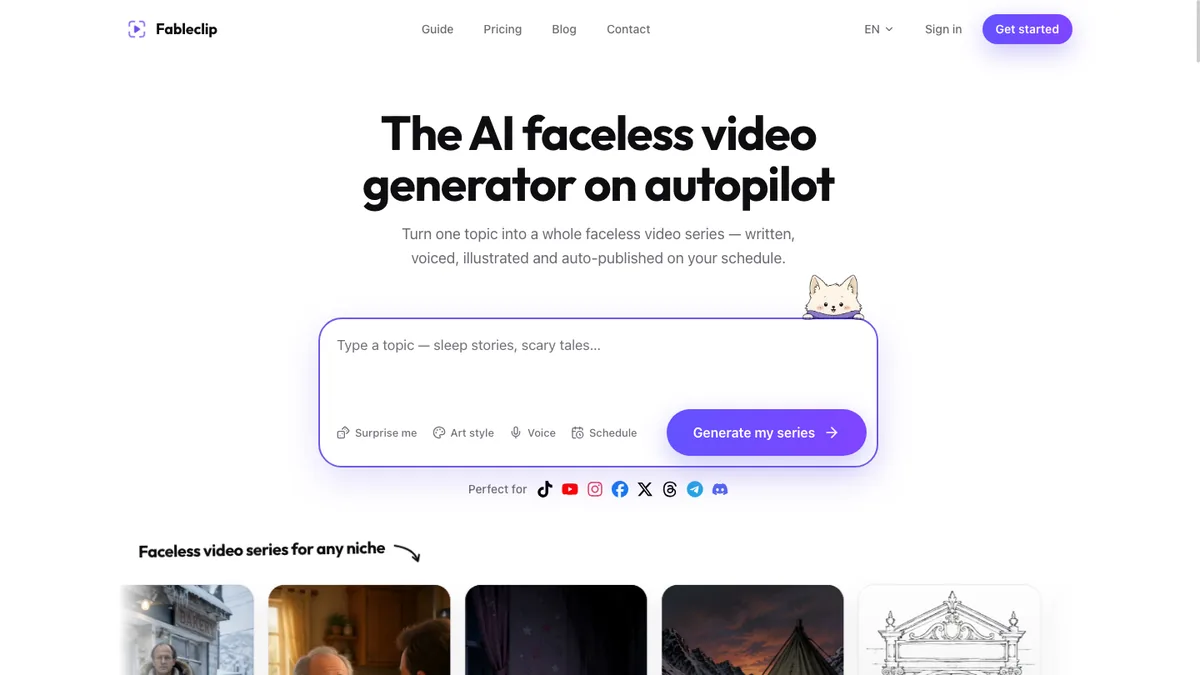
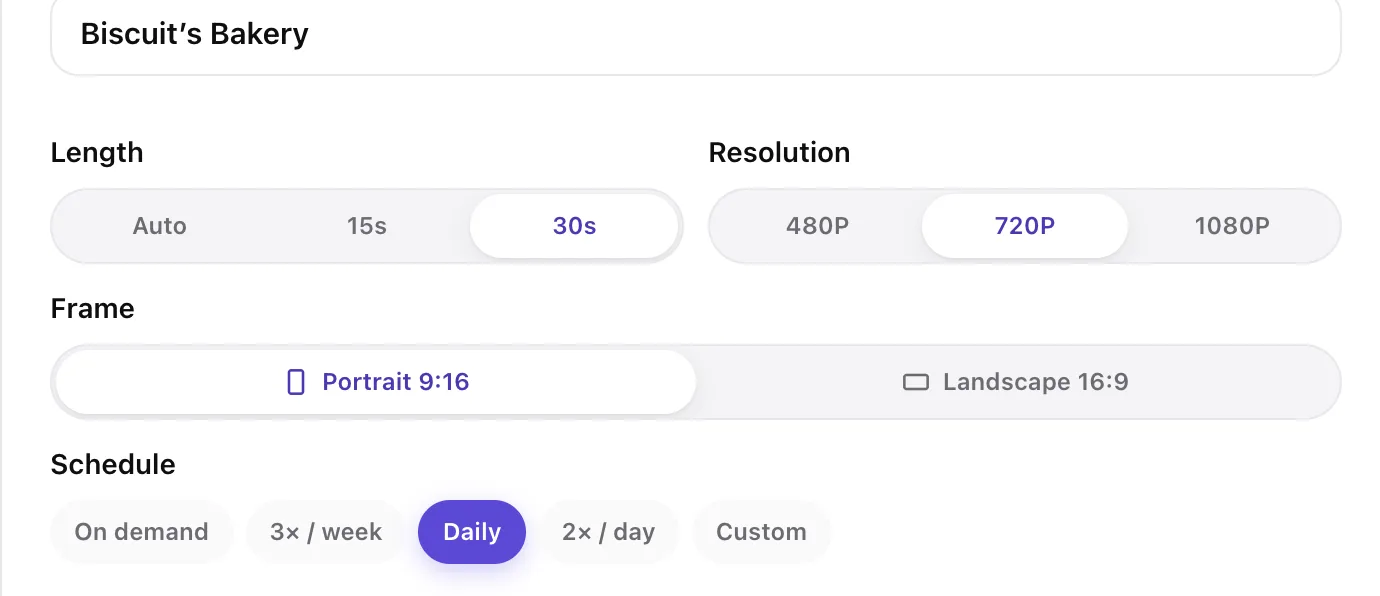
Fableclip turns one topic into a faceless video series and publishes each new episode on your schedule. Before writing each episode it reads the series' recent ones, so an ongoing story keeps its characters and standalone episodes don't repeat a topic. Its Animated Series mode makes fully animated AI videos with the same characters in every episode.
- Best for: faceless channels that should keep posting without you, on more than one platform.
- Price: Hobby $19/mo (12 videos, 5 series), Daily $39/mo (30 videos, 10 series), Pro $79/mo (70 videos, unlimited series and accounts); $155, $299 and $599 billed yearly.
- Strengths:
- Posts to 8 platforms, with up to 4 posting times a day.
- You read or rewrite the next script for free before it's made, and can change captions, music or voice and re-render for free before it posts.
- Script formats such as Story, Curiosity, Top N and Surprising Facts, or your own rules; faceless videos up to 5 minutes in 9:16 or 16:9.
- Unlimited series and connected accounts on Pro.
- Watch out for: faceless story videos use AI images with camera motion; fully animated video uses more of your monthly videos (a 15-second 720p episode counts as 8). No voice cloning. It's a newer tool with few third-party reviews so far.
2. Faceless.so
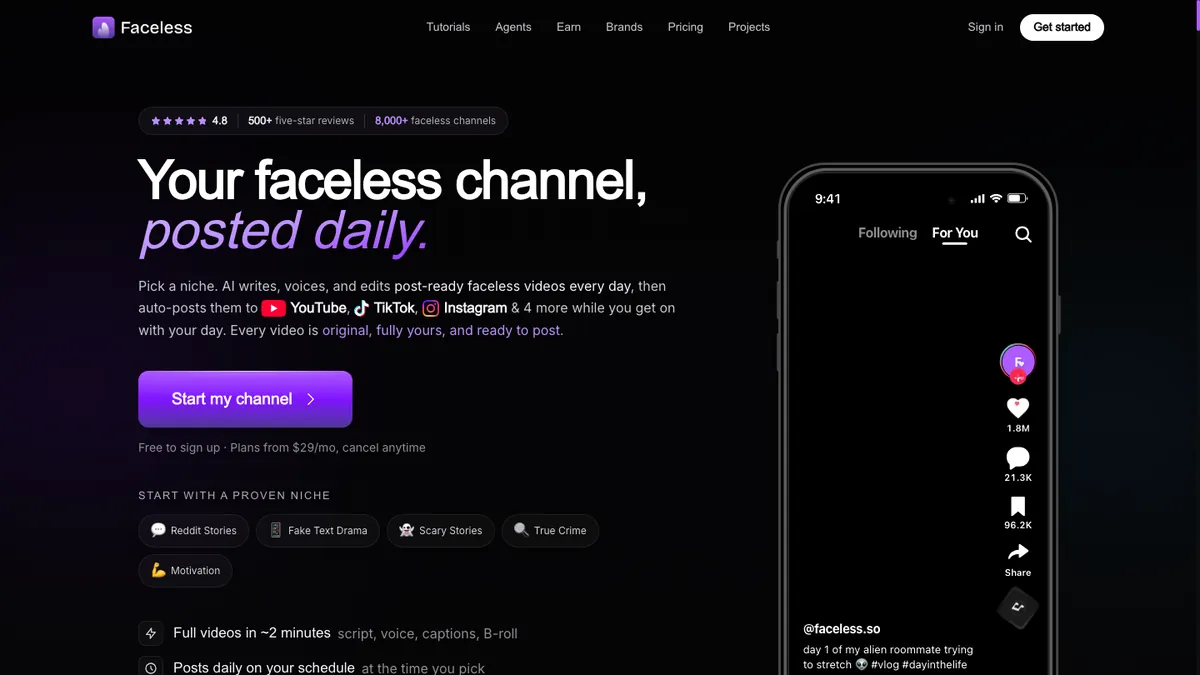
Faceless.so runs faceless series that post to seven platforms, with a wide choice of AI image and video models and 10-minute long-form videos.
- Best for: 10-minute long-form videos and a wide choice of AI video models.
- Price: Starter $29/mo (500 credits), Growth $39/mo (1,000), Influencer $69/mo (2,000), Ultra $99/mo (4,000), Agency $199/mo (8,000); $24 to $166 a month billed yearly. A narrated AI-image short uses 20 credits; AI video uses 2 to 6 credits a second.
- Strengths: many AI video models on every plan, 10-minute long-form videos, posting times you choose, and LinkedIn among its seven platforms.
- Watch out for: plans start at $29 a month, and credits go fast on AI video: Starter's 500 credits cover about 25 narrated AI-image shorts, or about 8 thirty-second AI video shorts at the cheapest motion rate. There's no free trial and no refund once credits are used.
Compare it with ours: Faceless.so vs Fableclip.
3. Revid.ai
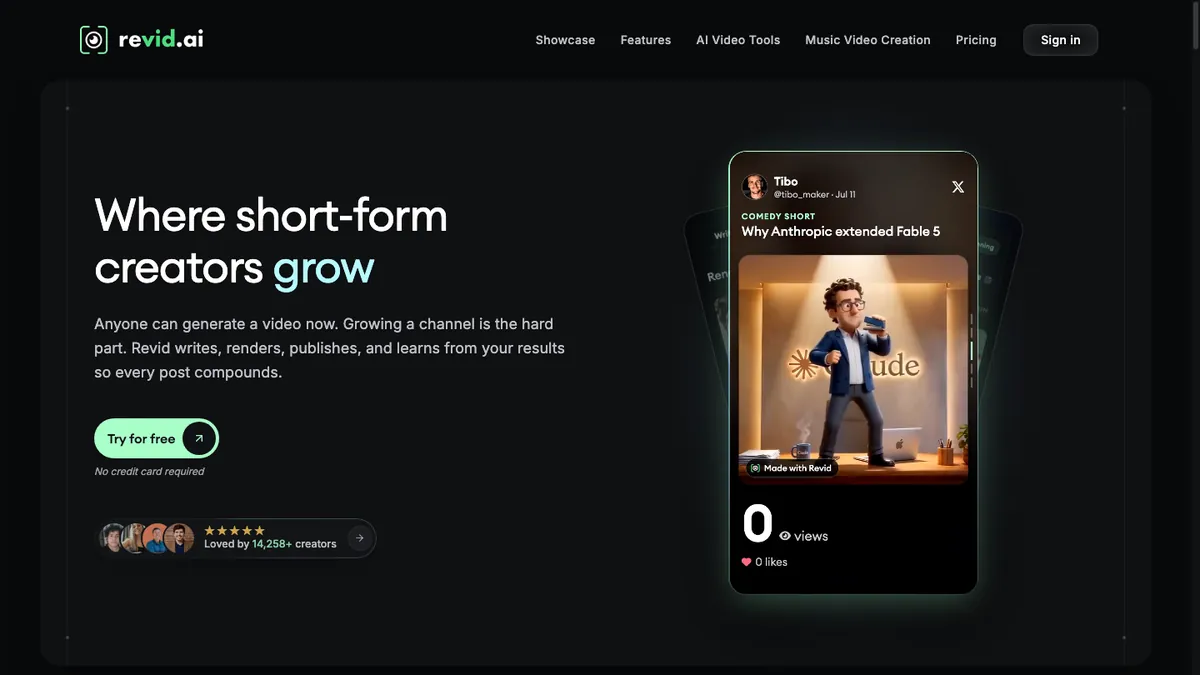
Revid turns text, links, audio or trending videos into shorts, with a large set of tools around it, and its Auto-Mode workers keep producing on their own.
- Best for: testing many formats and remixing viral videos.
- Price: Hobby $39/mo (its card lists no credits or publishing); Growth $39/mo on promotion (normally $99) with 2,000 credits, 3 Auto-Mode workers and publishing; Ultra $199/mo with 12,000 credits and 10 workers; $32 and $166 a month billed yearly.
- Strengths: lots of creative control, several AI video and image models, and publishing to TikTok, Instagram, YouTube and X.
- Watch out for: the page header says every plan includes publishing and Auto-Mode, but the $39 Hobby card lists neither, so confirm before you buy. Credit costs depend on the visual model: about 40 to 80 credits for a 30-second video with moving AI images, about 600 with Veo 3. Unused credits don't roll over.
Compare it with ours: Revid.ai vs Fableclip.
4. AutoShorts.ai
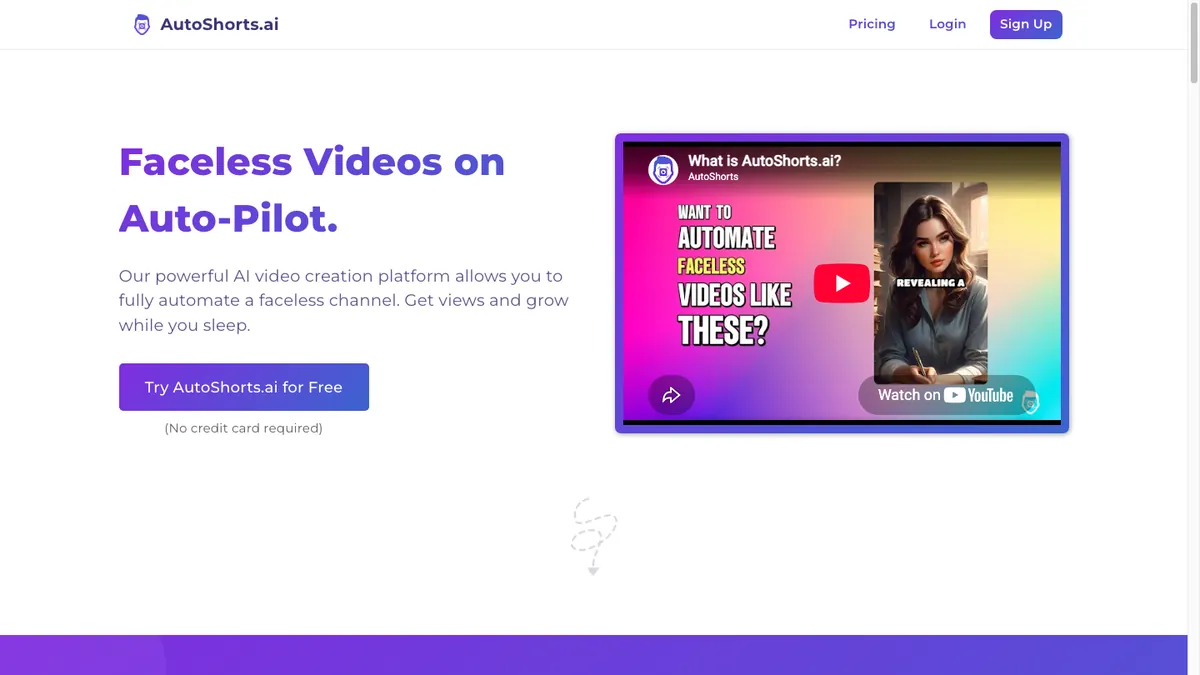
AutoShorts.ai is the best-known name in this category: pick a topic and it makes a series of short videos and posts them for you, with a chance to edit the script, title, images and music before each one goes out.
- Best for: one simple channel on autopilot.
- Price: Starter $19/mo (3 posts a week), Daily $39/mo (1 a day), Hardcore $69/mo (2 a day), each for one series, with extra series raising the price; $16, $33 and $58 a month billed yearly.
- Strengths: very little setup, posting to TikTok, YouTube and Instagram, and voice cloning on every paid plan.
- Watch out for: each plan's price covers one series and rises with posting frequency. Scenes are still images unless you spend motion credits, videos top out at 90 seconds, and the free plan is paused. Looking for something else? See our AutoShorts alternatives.
5. InVideo AI
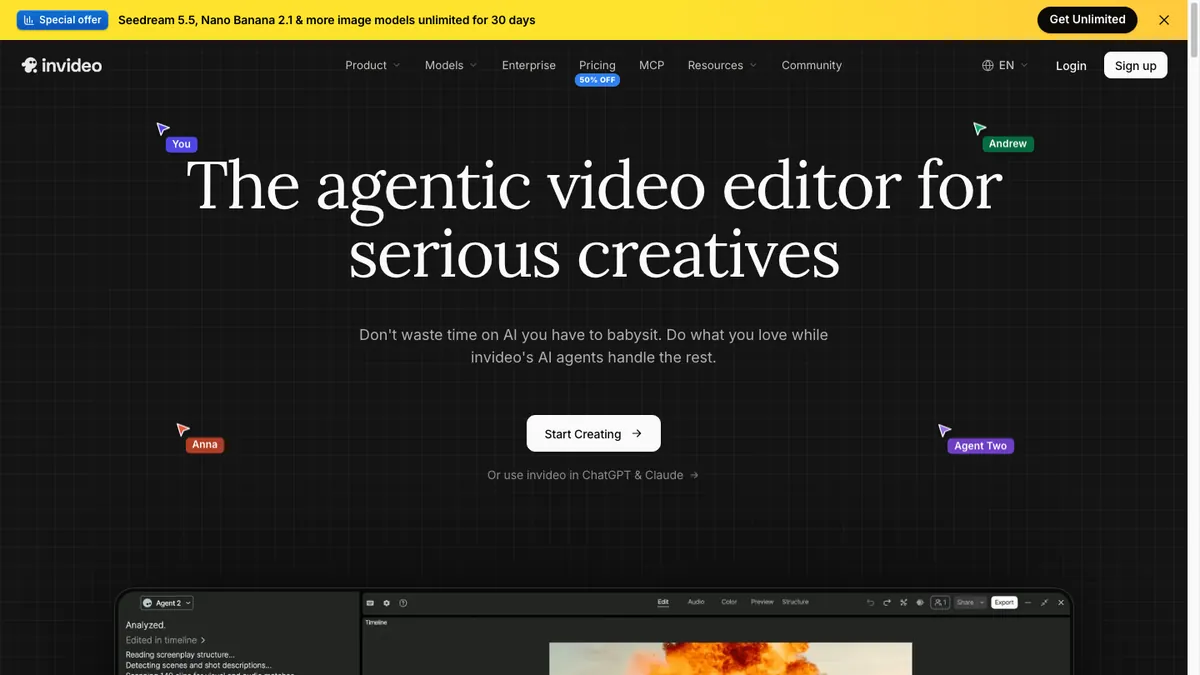
InVideo AI turns a prompt into a full video, with the script, stock or AI-generated visuals, voiceover, subtitles and music, and you can revise it by typing what to change.
- Best for: creators who want to edit each video and use the newest AI video models.
- Price: Starter $20/mo (400 credits), Plus $60/mo (2,000 credits), Max $150/mo (5,000 credits), all per seat; the half-price annual rates on the pricing page come from a promotion.
- Strengths: more than 16 million stock images and videos plus generative models such as Kling, Veo and Seedance, in landscape or portrait.
- Watch out for: it doesn't publish or run a series, so you export and post each video yourself. AI video is charged per second and varies by model, from about 5 credits for a quick clip to 100+ for a 4K Veo clip, and unused credits don't roll over.
Compare it with ours: InVideo vs Fableclip.
6. Fliki
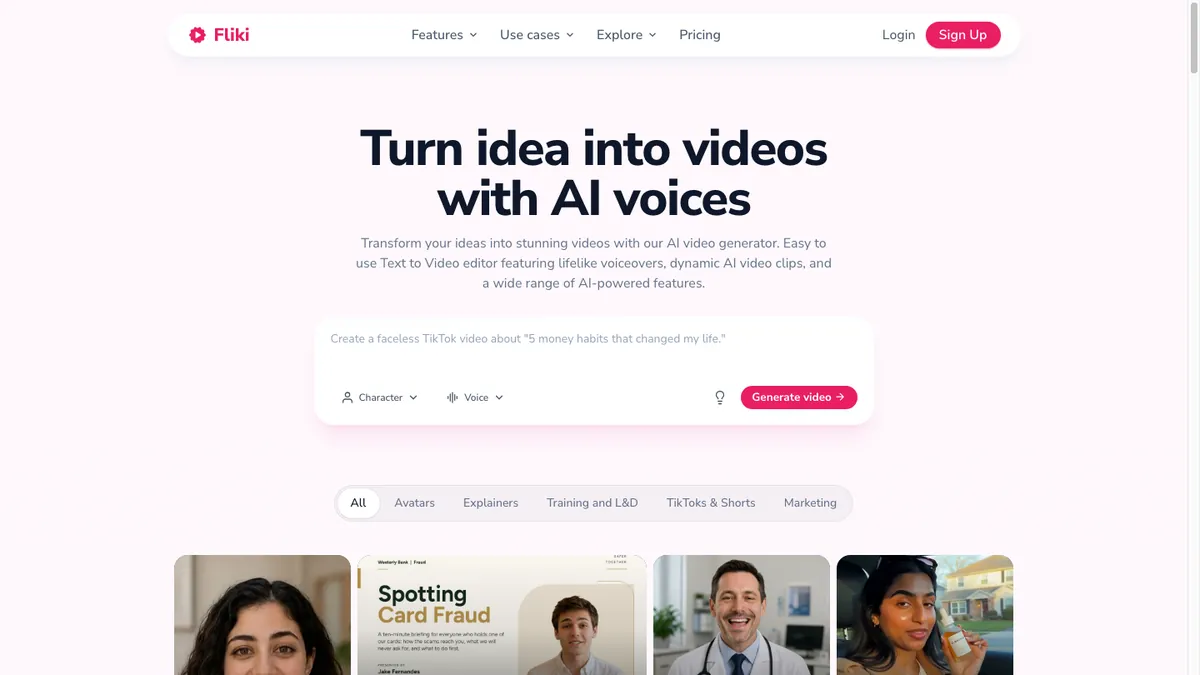
Fliki builds a narrated video from a prompt, script or article, using free stock media, AI images or AI video clips, and can publish to YouTube.
- Best for: narrated videos built from free stock footage, published to YouTube.
- Price: Standard $28/mo (180 credits, 1 Series, videos up to 15 minutes), Premium $88/mo (600 credits, 3 Series); $21 and $66 a month billed yearly.
- Strengths: stock media costs no credits, videos run up to 15 minutes on Standard, and a Series feature plans and publishes a month of YouTube videos in one session.
- Watch out for: publishing is capped (5 a day and 50 a month on Standard), each publish costs credits, and the pricing table lists YouTube only. AI video renders at 480p by default on Standard.
7. Pictory

Pictory turns a script, article or URL into a scene-by-scene video, matching each line with stock clips from Getty and Storyblocks or a short AI clip.
- Best for: long YouTube explainers built on licensed stock footage.
- Price: Starter $29/mo (about 30 minutes of video a month), Professional $59/mo (about 90 minutes), Teams $199/mo for 3+ users; Starter is $25 a month billed yearly.
- Strengths: videos up to 30 minutes from a script or URL, 16:9, 9:16 or 1:1, and a 14-day free trial.
- Watch out for: there's no publishing and no scheduled series, so you download each video and upload it yourself. Starter covers about 30 minutes of video a month. Paid plans aren't refundable, and the half-price annual Professional rate is a Black Friday promotion.
Compare it with ours: Pictory vs Fableclip.
Which one fits your channel?
- Story series that continue, or recurring cartoon characters: Fableclip. Its Animated Series keeps every character the same across episodes.
- Short history, science and facts explainers, up to 5 minutes: Fableclip.
- Horror and dark stories with fully animated scenes: Fableclip's Animated Series, or InVideo AI if you'd rather edit each video yourself.
- Long-form YouTube, 10 minutes or more: Pictory (up to 30 minutes from a script), Fliki (up to 15 minutes on Standard) or Faceless.so (10-minute long-form).
- Remixing what's already viral: Revid.
- Several channels at once: Fableclip Pro, with unlimited series and accounts and 70 videos a month.
What to check before you pay
- How many videos does the plan really make in a month? Credits can run out long before a "videos per day" figure suggests.
- Does it keep making and posting new videos on its own, or only help you make one video at a time?
- What do the videos look like: AI images with motion, fully animated AI video or stock footage? Watch a sample first.
- How many channels can you run: how many series and connected accounts does the plan allow?
- Can you try it before you pay, and can you get a refund?
- YouTube won't monetize mass-produced or repetitive videos. Give each video an original angle and review it before it posts.
How we compared
We read each tool's pricing page, FAQ and feature pages on November 15, 2026 and only listed what those pages state. Prices change often, so confirm them at checkout.
Frequently asked questions
What is the best AI faceless video generator?
For a faceless channel that keeps posting without you, Fableclip, which we make: one topic becomes a series that is written, voiced, illustrated and posted to 8 platforms, from $19 a month. Revid suits format testing, and InVideo AI, Fliki and Pictory are better when you want to edit each video yourself.
Is there a free AI faceless video generator?
Several have free tiers, but none keep posting for free. Fliki's free plan exports at 720p with a watermark, InVideo AI's free plan has a weekly limit, Pictory has a 14-day trial, Revid gives free credits on sign-up, and Fableclip lets you make one watermarked video without a card.
What's the difference between a faceless AI video generator and a text-to-video tool?
A text-to-video tool makes one video from your text and leaves publishing to you. A faceless video generator built for channels, such as Fableclip, AutoShorts.ai or Faceless.so, keeps making new episodes from your topic and posts them on a schedule.
Which AI faceless video generators post automatically?
Fableclip, Faceless.so, AutoShorts.ai and Revid (on its Growth plan and up) keep making new videos and post them on a schedule, and Fableclip covers the most platforms, with 8. Fliki publishes to YouTube in monthly batches. InVideo AI and Pictory don't publish: you export and upload each video yourself.
Can you make money with faceless AI videos on YouTube?
Yes, if each video is original. YouTube's monetization policies exclude mass-produced or repetitive content, but a series is fine when each video has its own storyline, focus or concept.
Turn one topic into a faceless series
Fableclip writes the script, voices it, illustrates it, captions it, and auto-publishes every episode to TikTok, YouTube, Instagram and 5 more platforms. You can make your first video as a trial.
Start a series →