Roblox AI video generator
Type a town rule or a rant and get a narrated Roblox-style story video.

Roblox story videos you can make
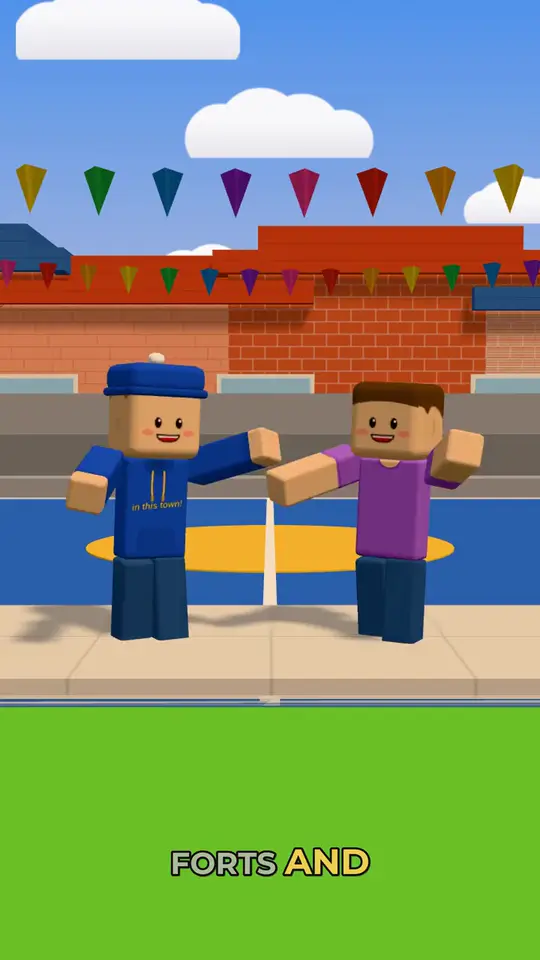
In This Town
One strange rule for one town, the kid who breaks it, and a twist in the last line.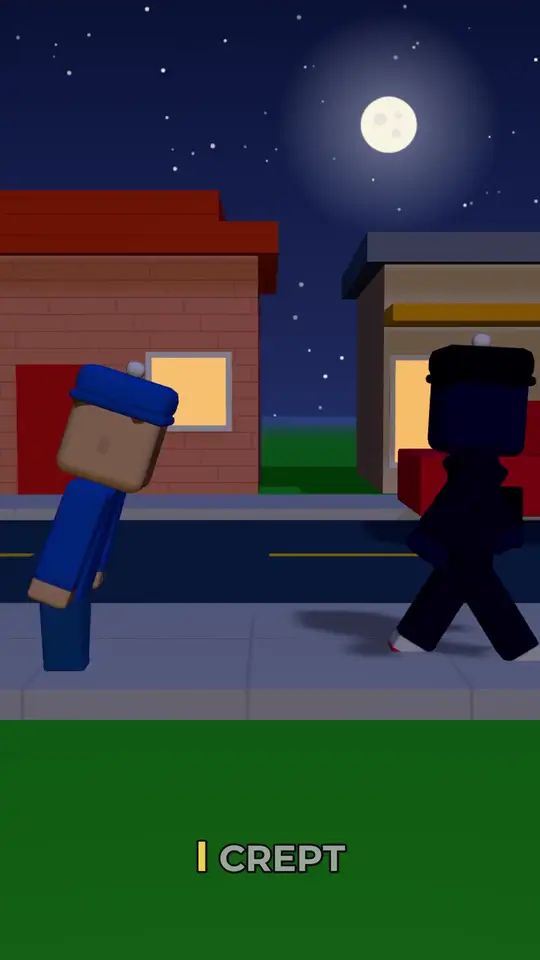
In This World
One rule for everyone on Earth, and you are the only exception.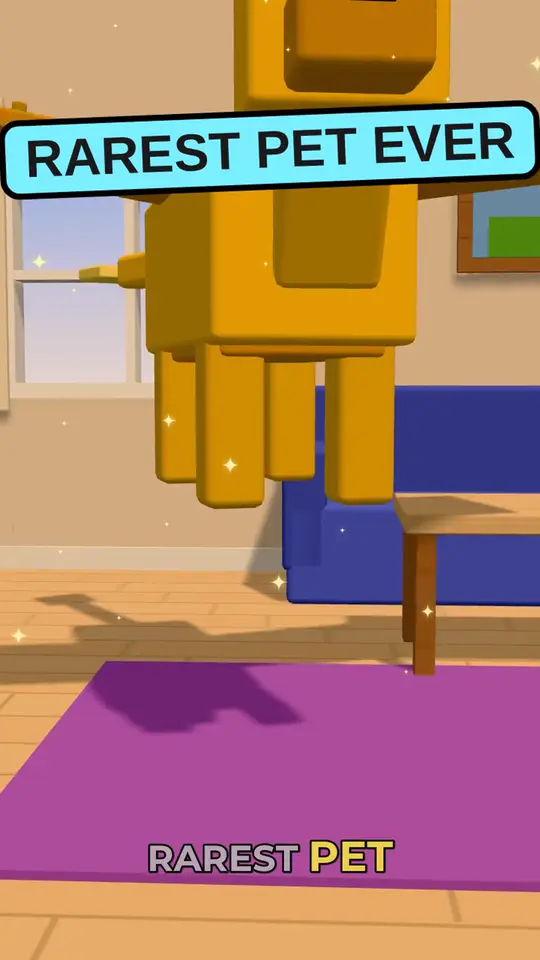
Roblox rants
A fast first-person rant about a sibling, a teammate or a trade gone wrong.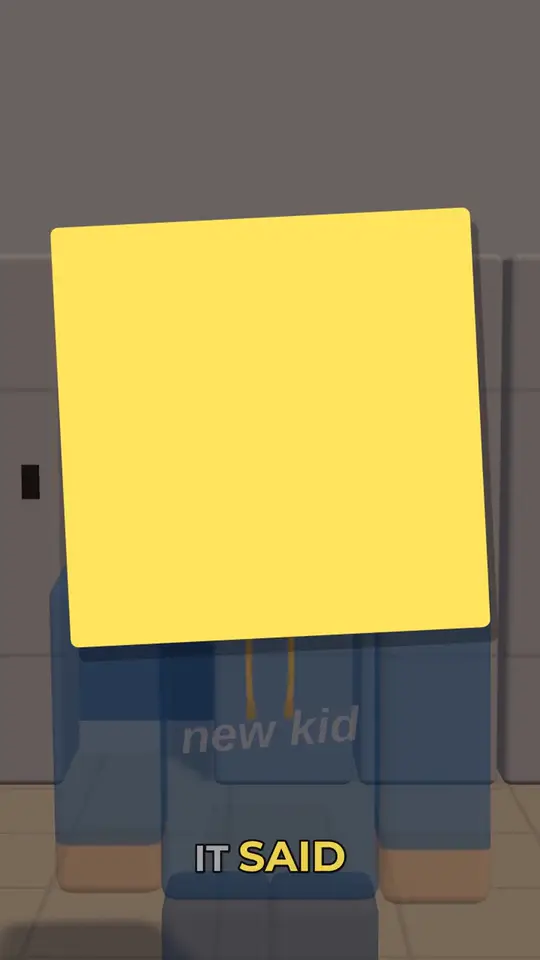
Sad Roblox stories
A slow, emotional story that ends on one hopeful or heartbreaking line.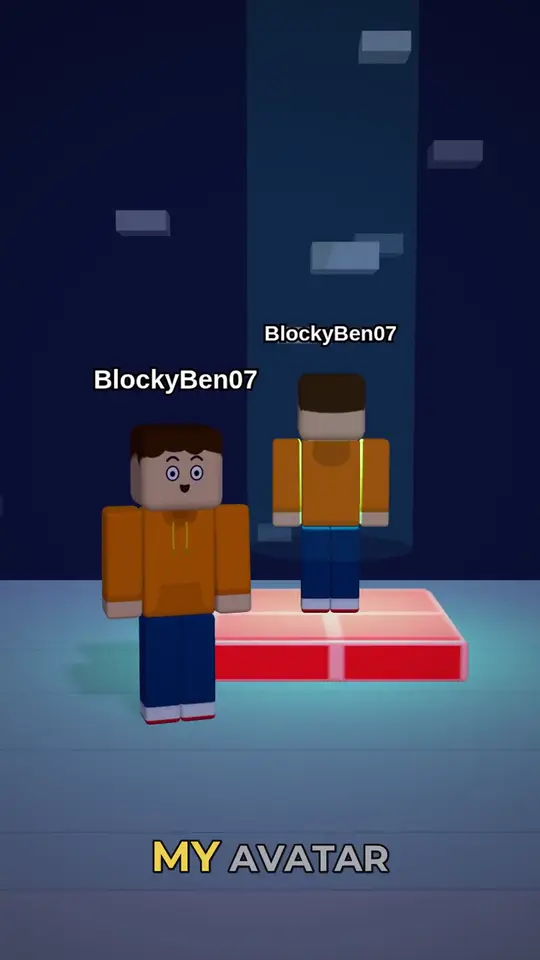
Roblox horror stories
A creepy obby, an empty school at night, a rule you should not break.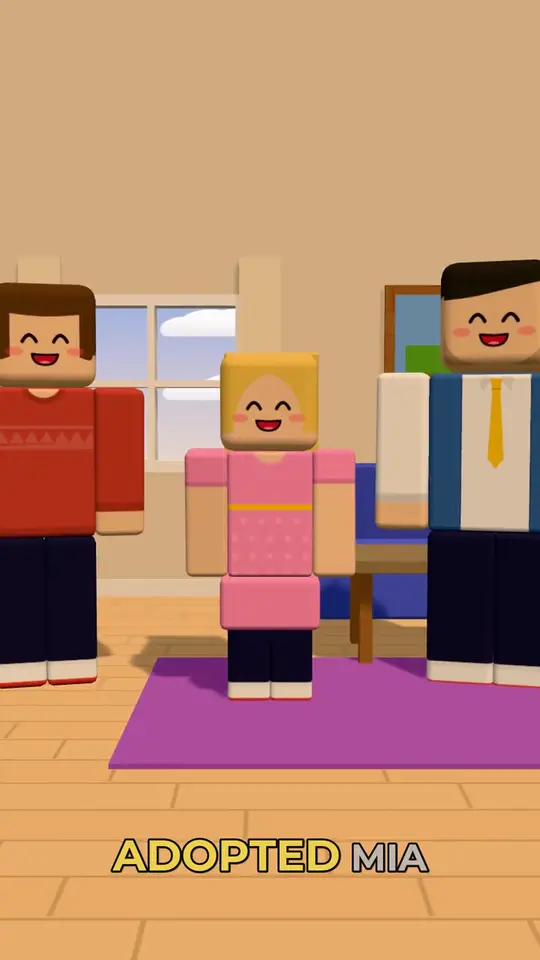
Roleplay family drama
House-roleplay drama with parents, siblings and a secret, told by the kid on the stairs.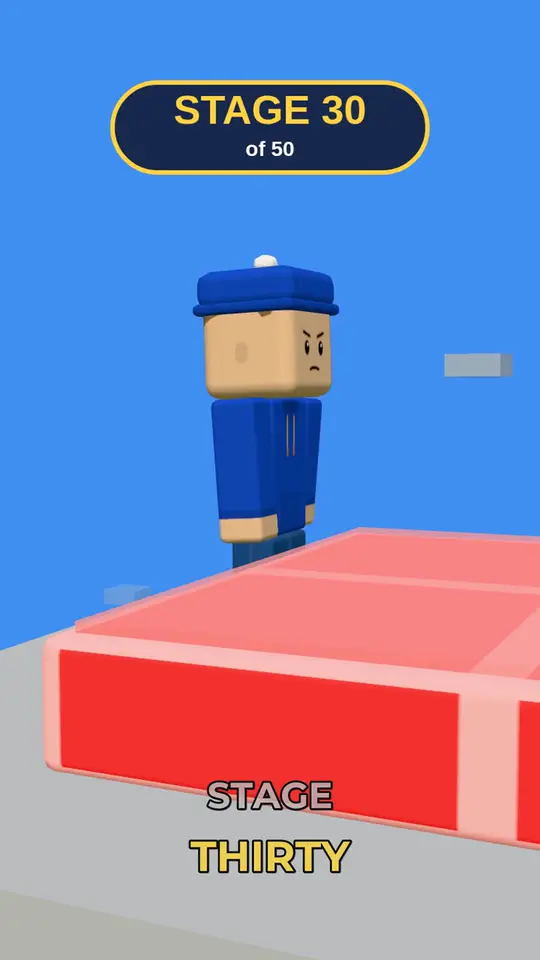
Obby adventures
Every checkpoint raises the stakes, and the last stage changes the whole story.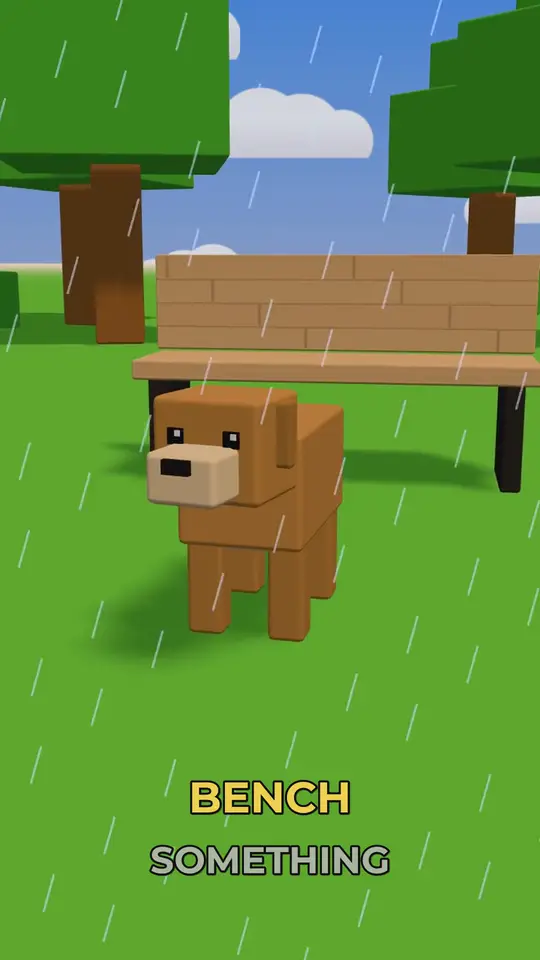
Pet stories
A lost puppy, a rare pet, a trade gone wrong, told with a warm twist.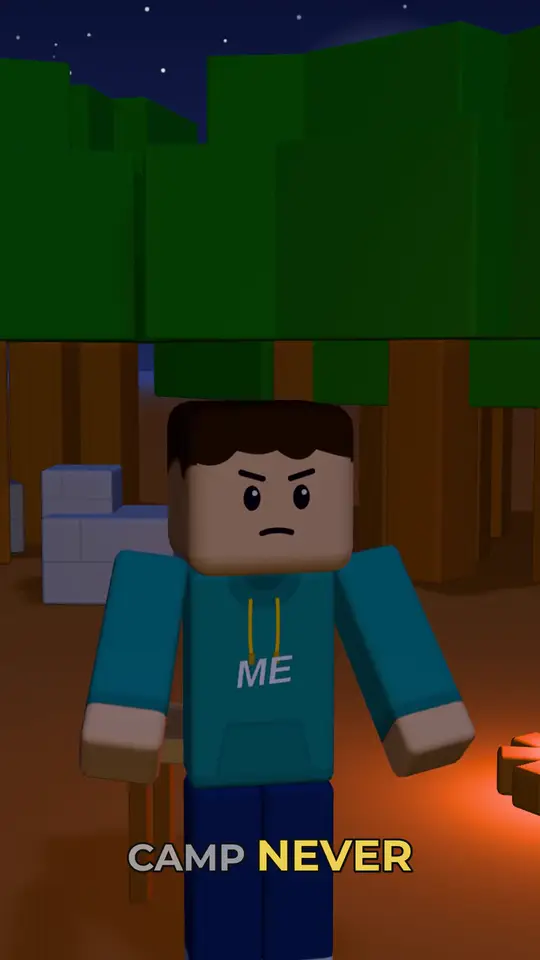
Survival nights
Night by night in the forest, with something outside the campfire light.Download your Roblox story video or post it to your connected channels
- TikTok
- YouTube
- X
- Threads
- Telegram
- Discord
How to make a Roblox AI video
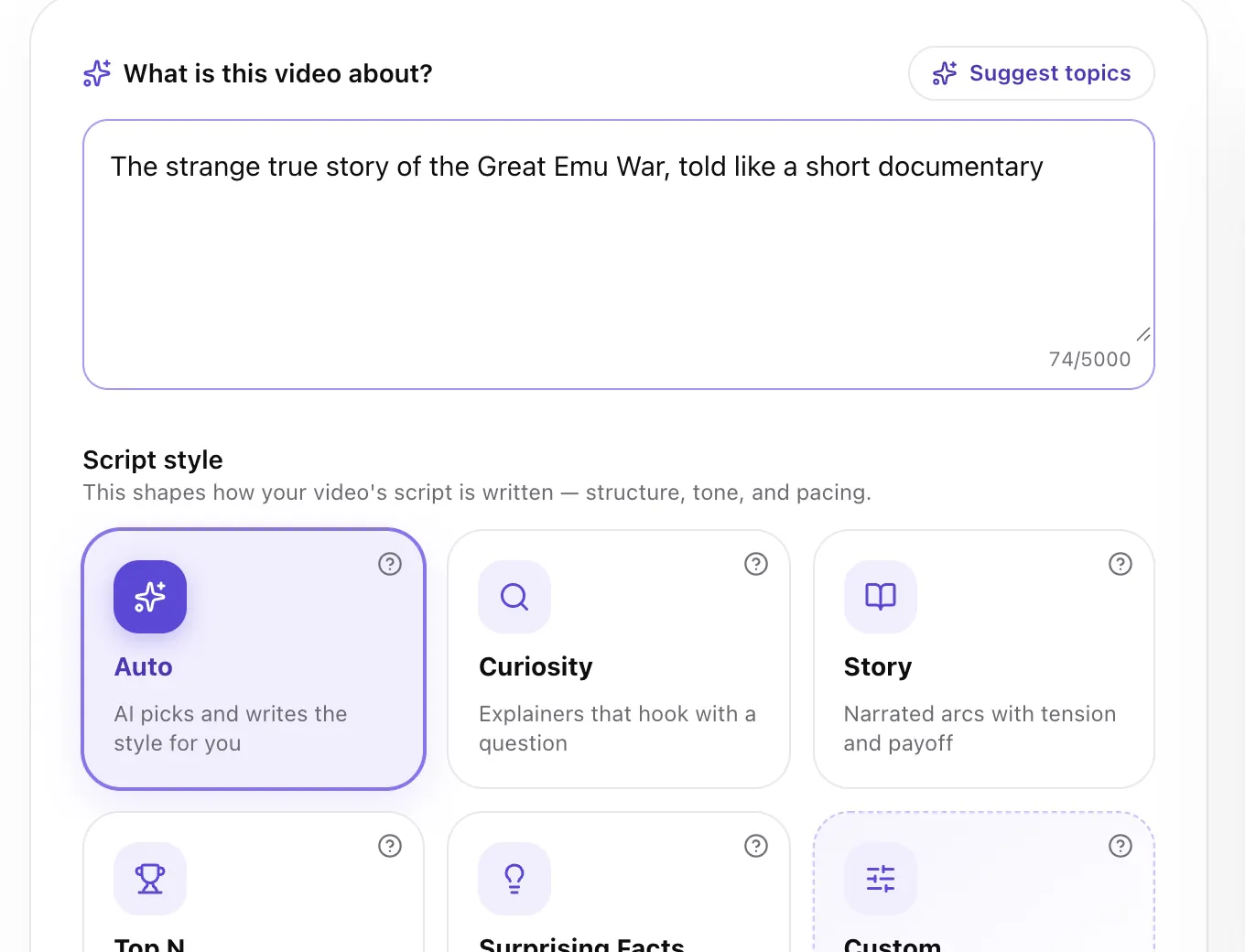 Step 1
Write or paste your story
A town rule, a rant, a sad story or a full draft of your own. One sentence is enough to start.
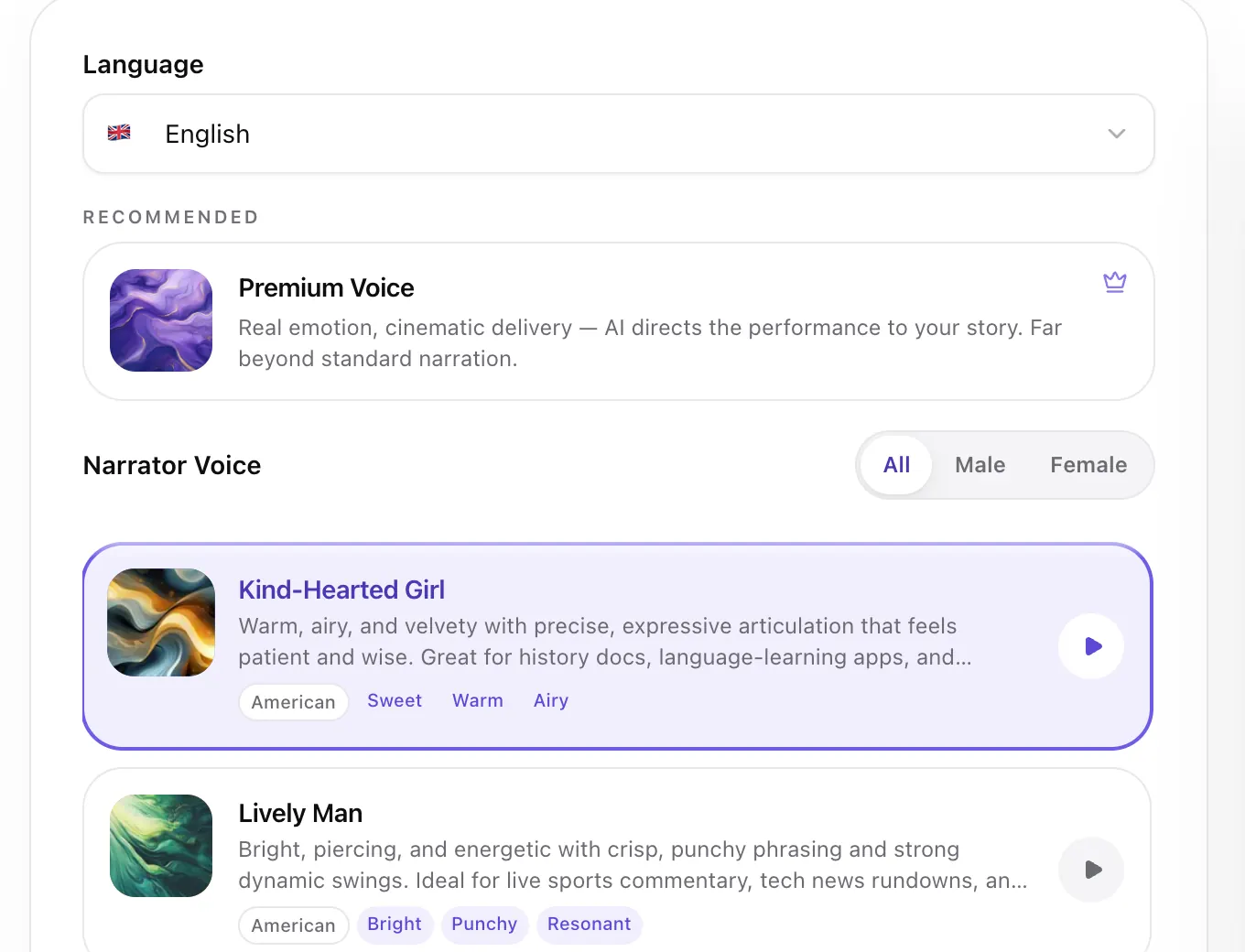
 Step 2
Pick a narrator voice
Every voice has a preview. A quick, casual voice suits rants; a slow, low one suits sad and horror stories.
 Step 3
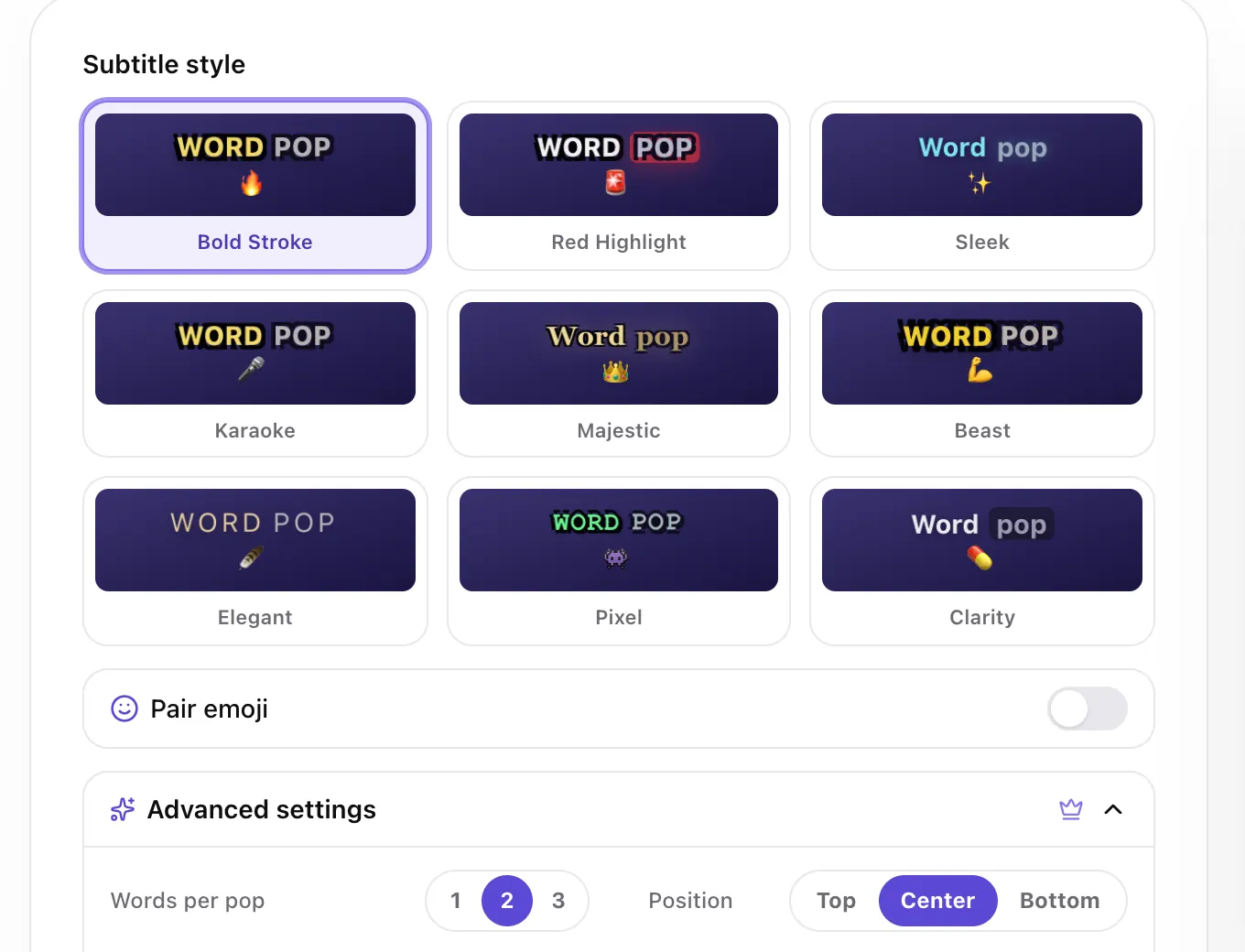
Pick music & captions
Choose background music and a word-by-word caption style. You can still swap both after the video is made.
 Step 4
Preview the script & blocky cast, then generate
Fableclip rewrites your story into a roughly 60-second script (45–90 seconds) and automatically picks the main blocky characters for you to preview before generating the animated vertical MP4.
Make my Roblox story video



What is a Roblox AI video generator?
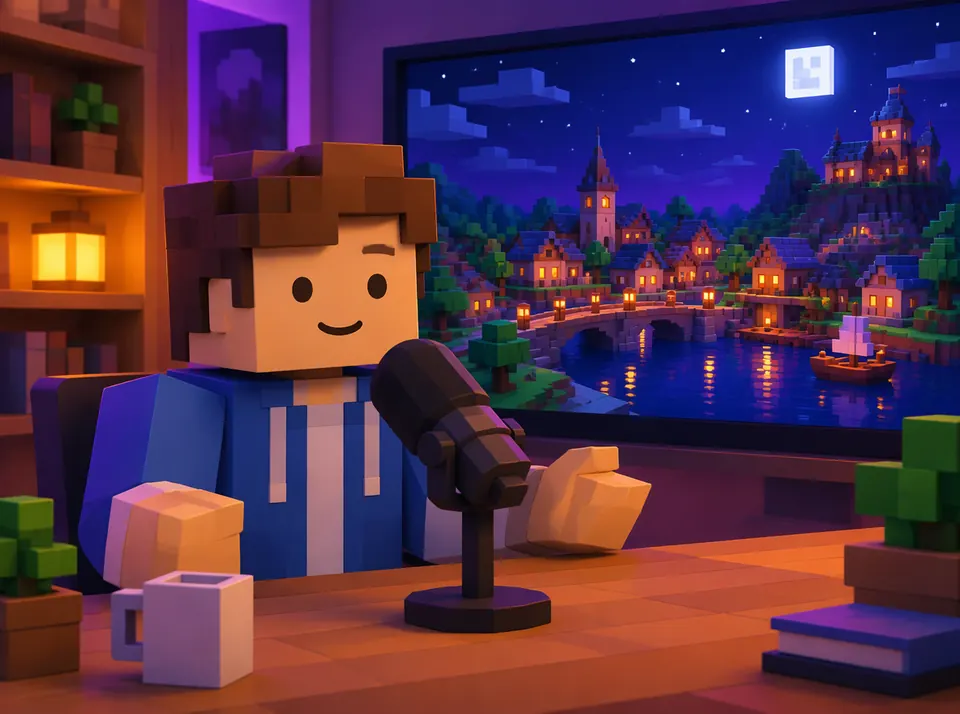
A Roblox story video is a short narrated tale acted out by blocky game avatars. The format runs on YouTube Shorts and TikTok: sad stories, rants, horror, roleplay drama, and lately "In this town" shorts, where a narrator states one odd rule and the last line flips what it really means.
Made by hand, each one means building a place in Roblox Studio, posing avatars, recording takes, writing captions and editing. A Roblox AI video generator skips all of it. In Fableclip you write or paste a story, choose a voice, music and captions, and it rewrites your story into a roughly 60-second script, picks the main characters for you to preview, and generates a finished vertical Roblox-style animated video.
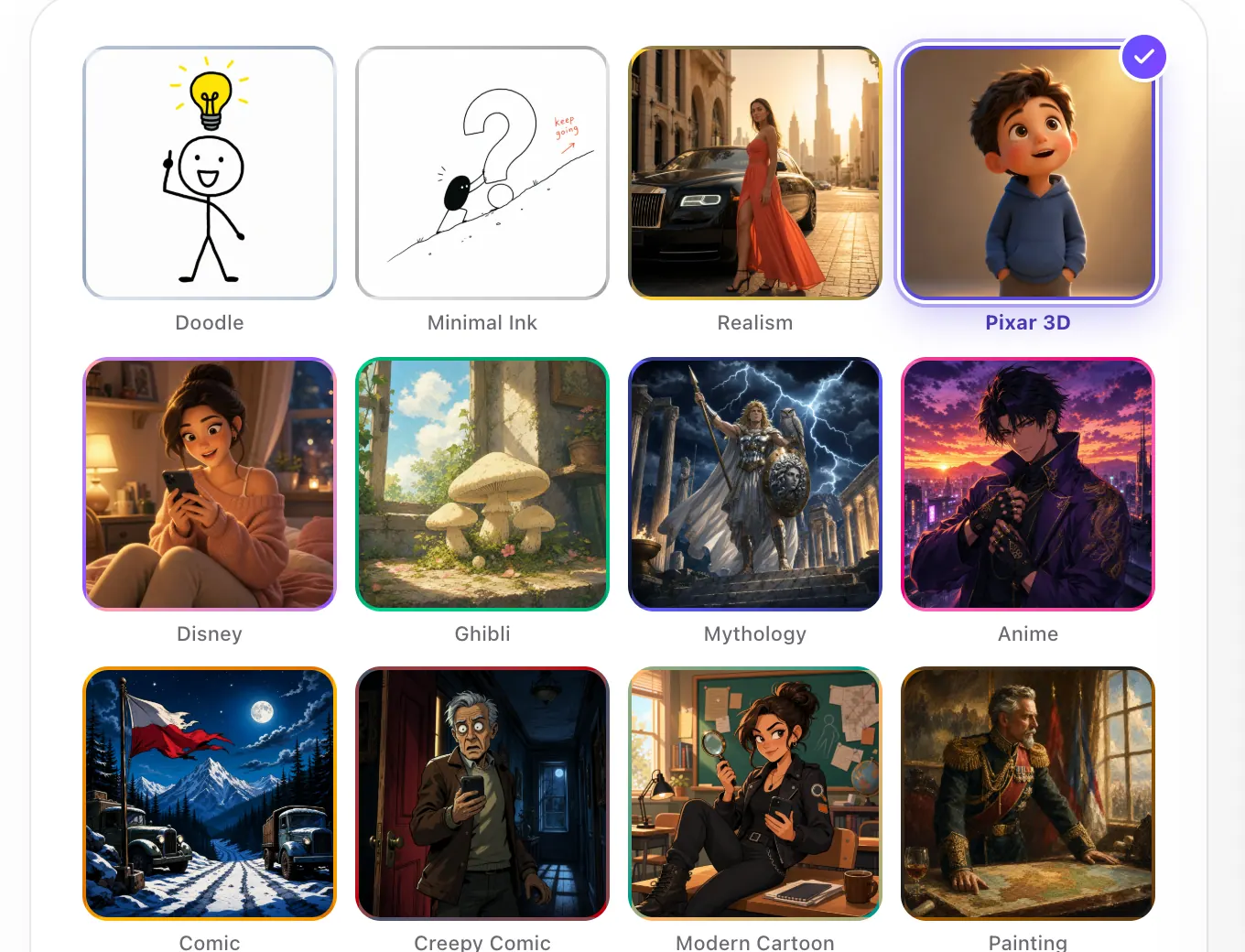
Every scene is AI-generated animation in a blocky avatar style. It is not recorded gameplay or official Roblox assets, and Fableclip is not affiliated with Roblox.
How to write an In This Town Roblox story
The In This Town format lives or dies on the first and last sentence. The rule is the hook, and the twist is the reason people comment and watch again.
Say the rule first
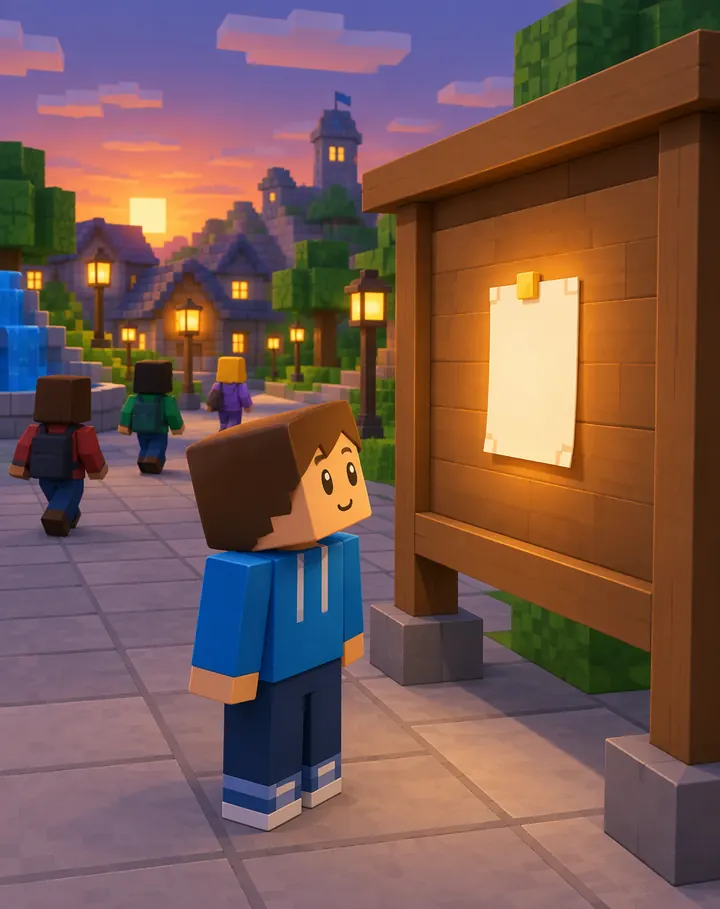
Open with the rule itself: "In this town, nobody is allowed to say goodbye." Viewers decide in a second or two.
Small rule, big cost
A rule that sounds harmless and hides a price works best: a lost voice, a missing friend, a door that only opens once.
Tell it as the exception
First person, as the one kid the rule does not fit. The narrator should know something the town does not.
Raise the stakes every scene
Each line makes the rule more personal or more dangerous. Cut anything that only explains.
Twist in the last line
Let the ending reframe the rule instead of explaining it. A twist that hints at more turns one short into a part 2.
Type the rule into the Roblox AI video generator and the script is built around it, in the first person, with the twist saved for the end. Read it before anything is made and ask for a rewrite if the twist lands too early. "In this world" stories work the same way, with one rule for everyone on Earth.
Roblox rant videos made with AI
A Roblox rant is a fast first-person monologue about something that went wrong: a scammed trade, a sibling who sold your pets, a teammate who left mid-obby. It works because it sounds like a friend venting, not a story being read.
Describe who is ranting and what happened, and say how it should end, with a revenge plan, a confession or a punchline. The generator writes it as a monologue, a quick narrator voice reads it, and the scenes show the blocky avatar reacting. That makes Fableclip a Roblox rant AI video generator as well as a story tool.

From one Roblox story to a whole channel
One Roblox story video is a test. A channel needs a steady stream of new stories in the same look and voice.
Every animated Roblox video uses the same Blocky Avatar look by default, so you only write the next story or part 2, pick the same narrator voice and caption style, preview the script and characters, and generate. Download each finished video or publish it straight to your connected YouTube Shorts, TikTok and Instagram Reels channels.
Who the Roblox AI video generator is for
Roblox story channels
Post In This Town, sad and horror stories every day without building scenes in Roblox Studio or recording gameplay.
Faceless Shorts and TikTok creators
Try the Roblox story format on a new account with no camera, no voice recording and no editing.
Writers with more ideas than time
Keep a list of town rules and rants, and turn each one into a finished Roblox AI video.
What the Roblox AI video generator makes for you
Animated blocky avatars
Cube-headed characters acting out your story in a block-built world. The main cast is picked automatically and shown to you before generating.
A script you approve
Fableclip rewrites your story into a roughly 60-second script (45–90 seconds) you can read, edit or ask to rewrite for free before anything is made.
Voice, captions and music
An AI narrator, synced word-by-word captions and background music. You can still swap the music and captions after the video is made.
Fixed Roblox look, no setup
Every video is animated in the Blocky Avatar look with no style picking or storyboard editing—just write part 2 and generate.
Roblox AI video generator FAQ
What is a Roblox AI video generator?
It is a tool that turns a written story into a narrated Roblox-style animated video: it rewrites your story into a roughly 60-second script (45–90 seconds), picks the main blocky characters, animates the video, adds an AI voice, word-by-word captions and music, and exports a vertical MP4. Fableclip does this from one sentence or a full draft.
How do I make a Roblox AI video?
Type or paste your story on this page, then choose a voice, background music and captions. Fableclip rewrites your story into a roughly 60-second script and automatically picks the main blocky characters for you to preview before generating the animated video. After it is made, you can still swap the music and captions.
Is Fableclip affiliated with Roblox?
No. Fableclip is not affiliated with, endorsed by or sponsored by Roblox Corporation, and Roblox is its trademark. We use the name only to describe the kind of story video. The Blocky Avatar style creates its own cube-headed characters and does not use Roblox games, avatars or assets.
Does it use real Roblox gameplay?
No. Every scene is AI-generated animation in a blocky avatar style, not recorded gameplay. Nothing is captured inside Roblox, and no official Roblox games, avatars or assets are used.
Can it make In This Town and In This World stories?
Yes. Start your idea with "In this town" or "In this world" and the script is built around that rule, told in first person with a twist at the end. See the writing tips above for what makes the format work.
Can it make Roblox rant videos?
Yes. Describe who is ranting, what went wrong and how it should end, and it writes a fast first-person monologue with the avatar reacting in each scene.
Can I make part 2 with the same look?
Yes. Every animated Roblox video uses the same Blocky Avatar look by default. Write part 2 with the same narrator voice and caption style. Download the finished video or publish it to your connected channels.
Is the Roblox AI video generator free?
Writing and editing the script is free, so you can read the story and preview the characters before paying. Generating an animated Roblox video uses video slots from a paid plan or video pack, starting at $19 a month, and exports with no watermark.
One Roblox story today, a channel by next week
Write or paste a Roblox story now. Preview the 60-second script and blocky cast for free, generate the animated video, and post it to Shorts or TikTok.
Make my Roblox story video