YouTube automation tools take the repetitive work out of running a channel: finding ideas, writing scripts, recording the voiceover, making the video, designing thumbnails and publishing on a schedule. You can cover most of that with one tool, or build a stack of AI tools for YouTube automation, one per step. This guide maps the ten tools we'd shortlist to each step, with prices checked on each tool's own site on November 15, 2026.
Disclosure: we make Fableclip, one of the tools on this list. For every tool, including ours, we say what it's good at and what to watch out for.
New to the idea? Our teardown of a faceless channel with 7.6M views shows what the channels that work actually automate, and what they don't.
The short answer
- Simplest setup: Fableclip writes, voices, illustrates and publishes each video on a schedule, all in one tool from $19 a month.
- Build your own stack: vidIQ for ideas, a chatbot or vidIQ's Script Writer for the script, ElevenLabs for the voice, InVideo AI, Pictory or Fliki for the video, Canva for the thumbnail and YouTube Studio to schedule it.
- Already have long videos? OpusClip cuts them into Shorts and can post them for you.
YouTube automation tools at a glance
| Step | Tool | What it automates | From | Free option |
|---|---|---|---|---|
| Ideas and keywords | vidIQ | Keyword research, daily ideas, AI titles and scripts | $19/mo | Free plan |
| Ideas and keywords | TubeBuddy | Keyword research, video ideas, A/B tests | $15/mo | Free plan |
| Script to published video | Fableclip | Writes, voices, illustrates and posts each episode on a schedule | $19/mo | 1 free video, no card |
| Voiceover | ElevenLabs | AI narration and voice cloning | $6/mo | Free, non-commercial |
| Make the video | InVideo AI | Makes a video from a prompt; you edit and export it | $20/mo | Free plan |
| Make the video | Pictory | Turns a script or article into a stock-footage video | $29/mo | 14 days |
| Make the video | Fliki | Turns a script into a narrated video, posts to YouTube | $28/mo | Free plan |
| Shorts from long videos | OpusClip | Cuts long videos into Shorts and posts them | $15/mo | Free, watermarked |
| Thumbnails | Canva | Thumbnail templates, AI images, background remover | $18/mo | Free plan |
| Schedule and publish | YouTube Studio | Schedules an upload to go public at a set time | Built in | Built in |
Prices are the monthly price on each tool's own pricing page; yearly billing is cheaper on most of them.
AI tools for YouTube automation, step by step
Step 1: Find ideas and keywords with vidIQ or TubeBuddy
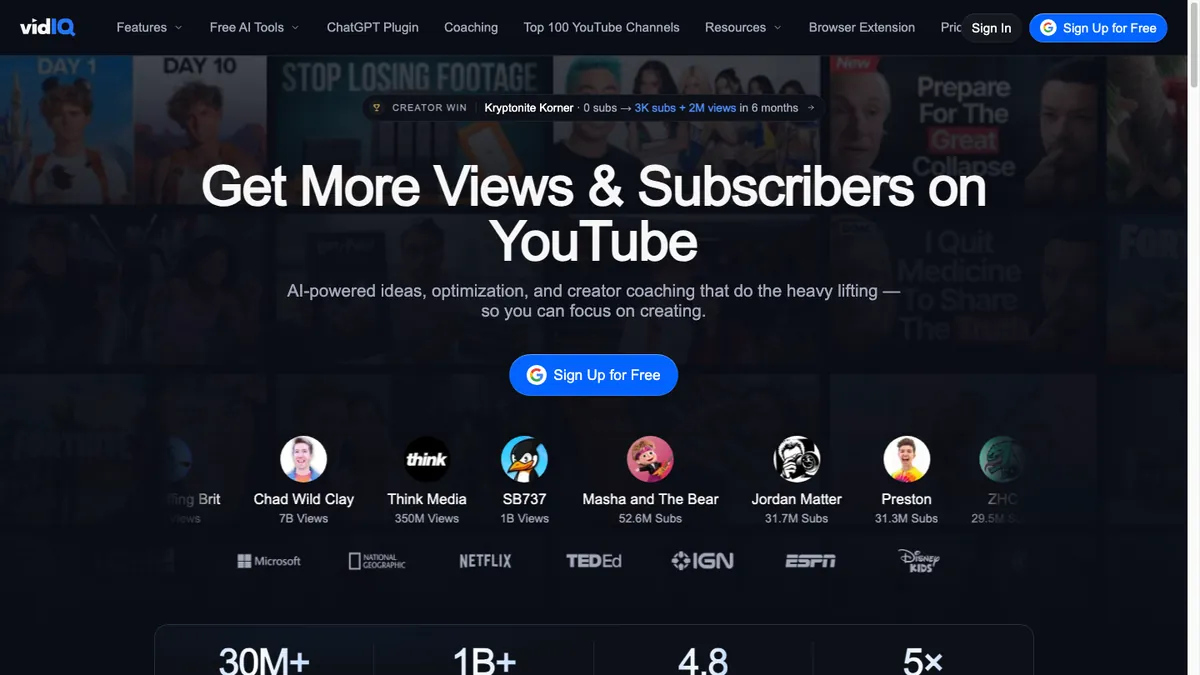
vidIQ suggests daily video ideas from your channel and niche, researches keywords and writes titles, descriptions and scripts with AI credits.
- Price: Boost $19/mo or $199/year, MAX $49/mo or $468/year. The free plan includes 150 AI credits a month, shows 3 keyword results per search and 3 personalized ideas a day.
- Good to know: AI titles cost 3 credits per generation and scripts 1 credit per minute of script. Credits don't roll over.
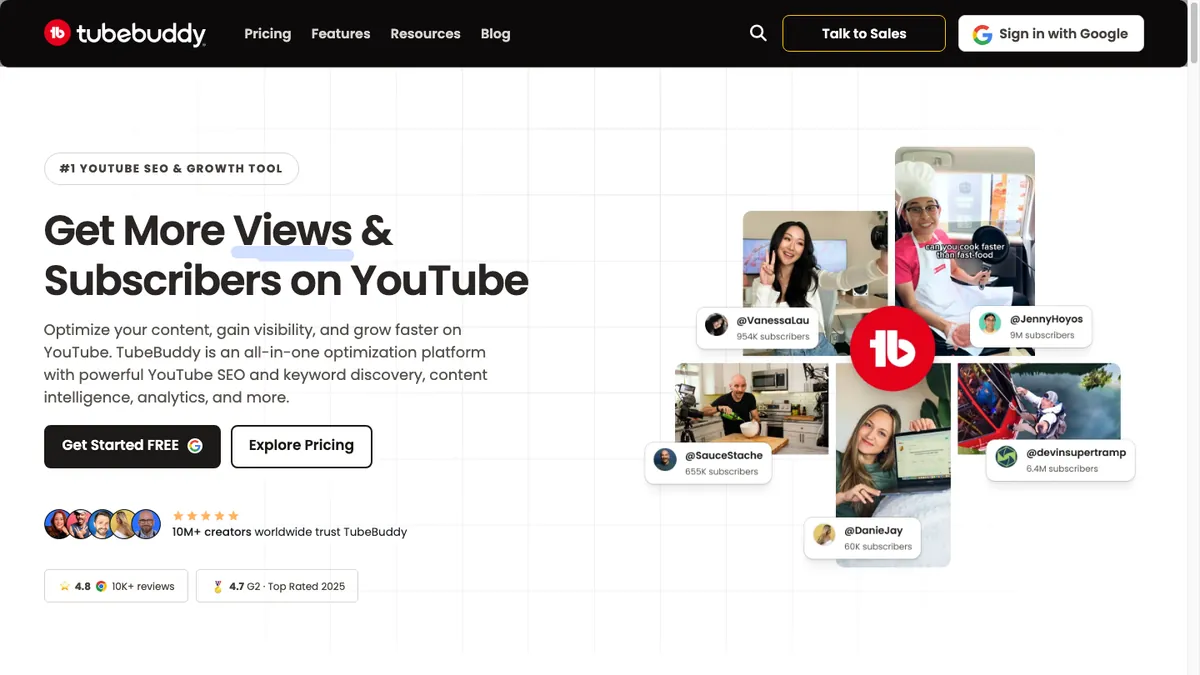
TubeBuddy offers keyword research and next-video ideas and, on its top plan, title and thumbnail A/B tests and scheduled publishing.
- Price: Pro $15/mo or $144/year, Legend $32.99/mo or $316.68/year, with a 30-day refund policy.
- Good to know: the Title Generator, A/B testing and scheduled publishing need Legend. The yearly prices are shown per month without a "/mo" label, so read the "one-time payment" line.
Pick vidIQ if you want AI help writing; pick TubeBuddy if you'll A/B test titles and thumbnails.
Step 2: Write the script
This is where a faceless channel wins or loses. You have three options:
- Let the video tool write it. Fableclip writes each episode from your theme and plot directions, and reads the series' recent episodes first so a story continues instead of repeating. You can read, rewrite or edit the next script for free before the video is made.
- Use vidIQ's Script Writer (1 credit per minute of script).
- Use a general chatbot and paste the script into your video tool.
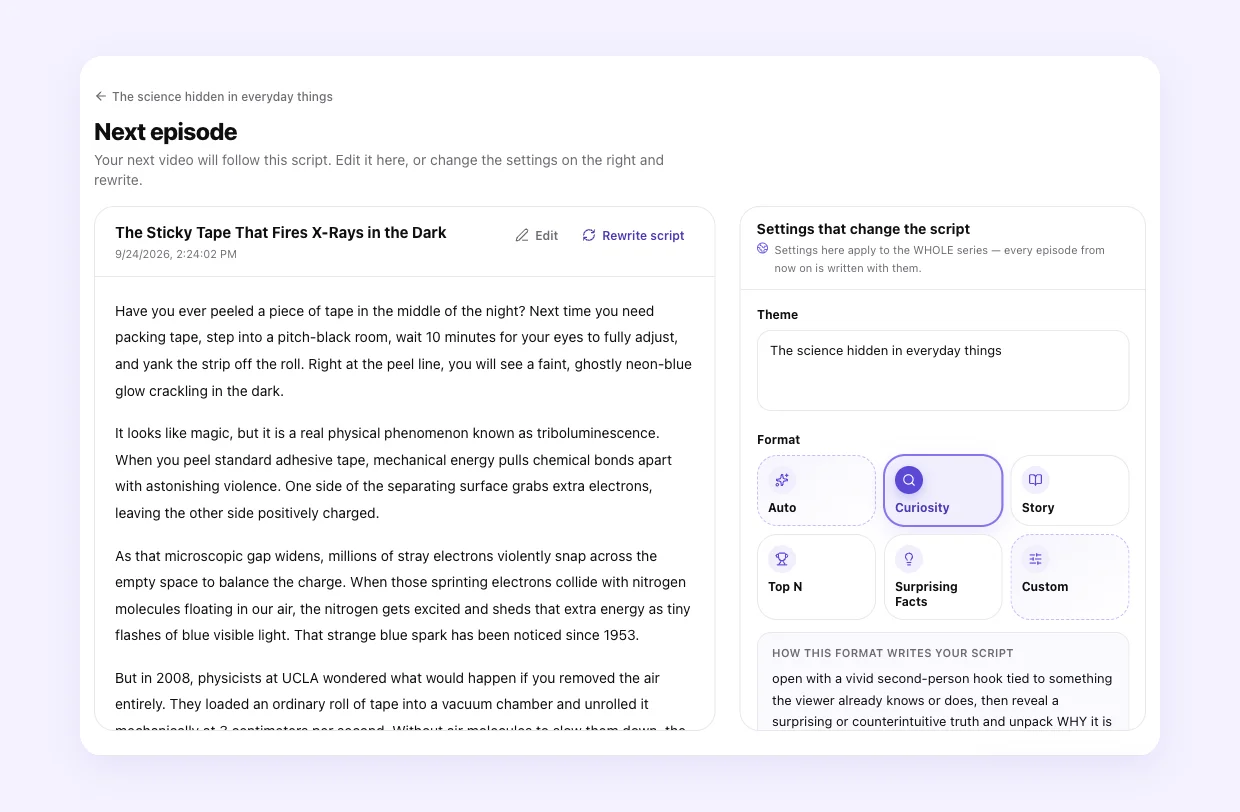
Whichever you choose, check facts yourself on history, science and money topics.
Step 3: Record the voiceover with ElevenLabs
ElevenLabs is the voice most stacks plug in, with natural narration and voice cloning.
- Price: Starter $6/mo (about 30 minutes of speech), Creator $22/mo (about 121 minutes), Pro $99/mo (about 600 minutes); a year costs the price of 10 months.
- Good to know: the free plan is non-commercial and requires "elevenlabs.io" or "11.ai" in the video title, so a monetized channel needs at least Starter. Instant voice cloning starts on Starter and professional cloning on Creator. First-month promotions ($1 Starter, $11 Creator) were showing when we checked, so confirm the price at checkout.
All-in-one video tools include narration, so you only need ElevenLabs when you assemble the video elsewhere or want a cloned voice.
Step 4: Make the video
Pick by how much of the channel you want handled.
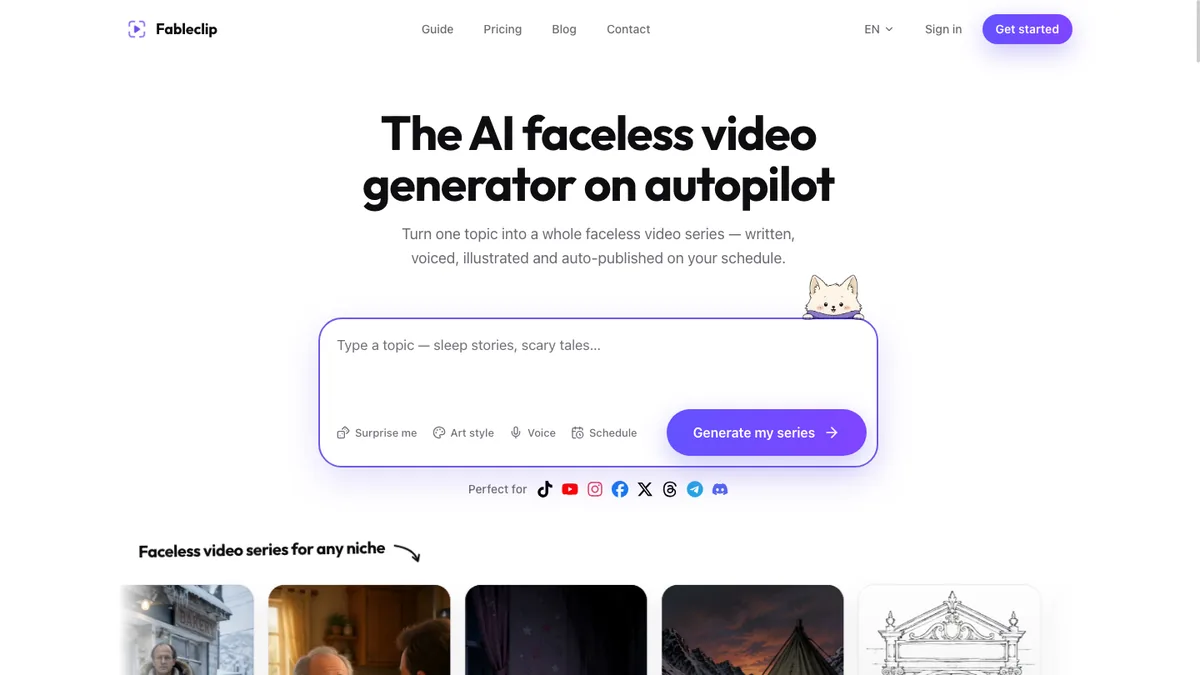
Fableclip does the whole chain: it writes each episode, voices it, illustrates it, adds captions and music, and posts it on your schedule. Stories carry on from episode to episode, and its Animated Series mode makes fully animated episodes with recurring characters.
- Price: Hobby $19/mo (12 videos, 5 series), Daily $39/mo (30 videos, 10 series), Pro $79/mo (70 videos, unlimited series and accounts); $155, $299 and $599 billed yearly.
- Good to know: faceless story videos use AI images with camera motion, up to 5 minutes, in 9:16 or 16:9. Fully animated video uses more of your monthly videos (a 15-second 720p episode counts as 8), and there's no voice cloning.
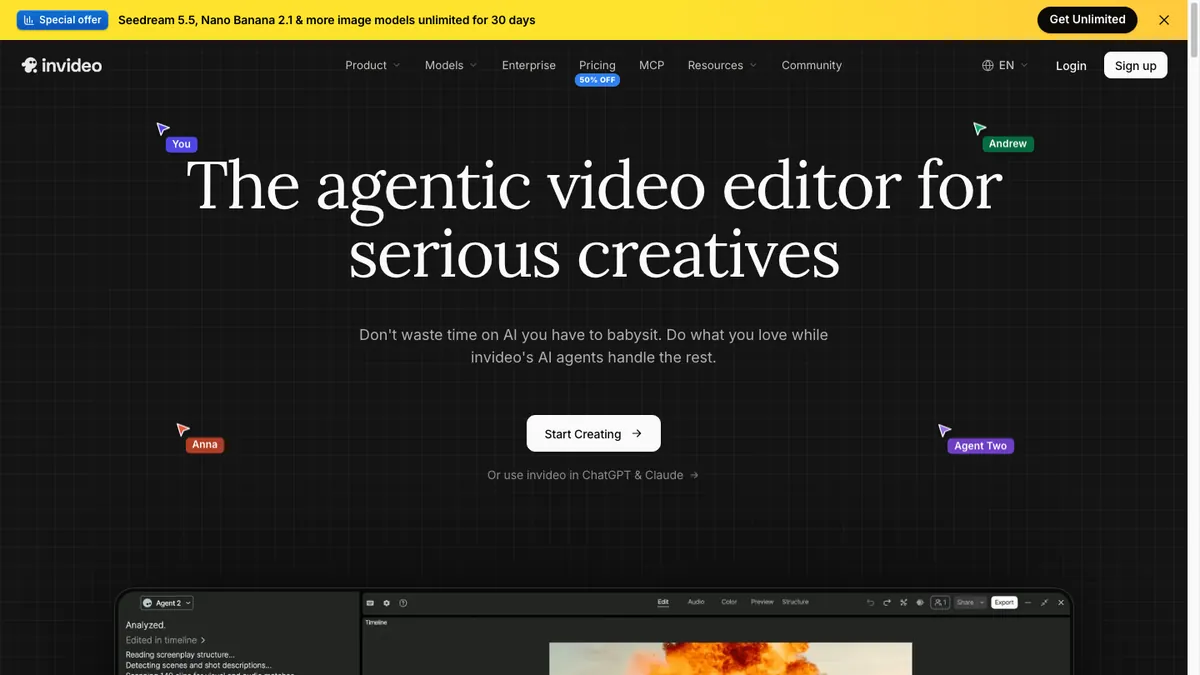
InVideo AI makes a video from a prompt with stock footage or AI video models, and you revise it by typing what to change.
- Price: Starter $20/mo (400 credits), Plus $60/mo (2,000 credits), Max $150/mo (5,000 credits), all per seat; the half-price annual rates on the pricing page come from a promotion.
- Good to know: it doesn't publish, so you export each video and upload it yourself. AI video is charged per second by model, and credits don't roll over. See InVideo vs Fableclip.

Pictory turns a script, article or URL into a scene-by-scene video from licensed stock footage, up to 30 minutes long.
- Price: Starter $29/mo (about 30 minutes of video a month), Professional $59/mo (about 90 minutes), Teams $199/mo for 3+ users; Starter is $25 a month billed yearly.
- Good to know: it doesn't publish or schedule. There's a 14-day free trial, and paid plans aren't refundable. See Pictory vs Fableclip.
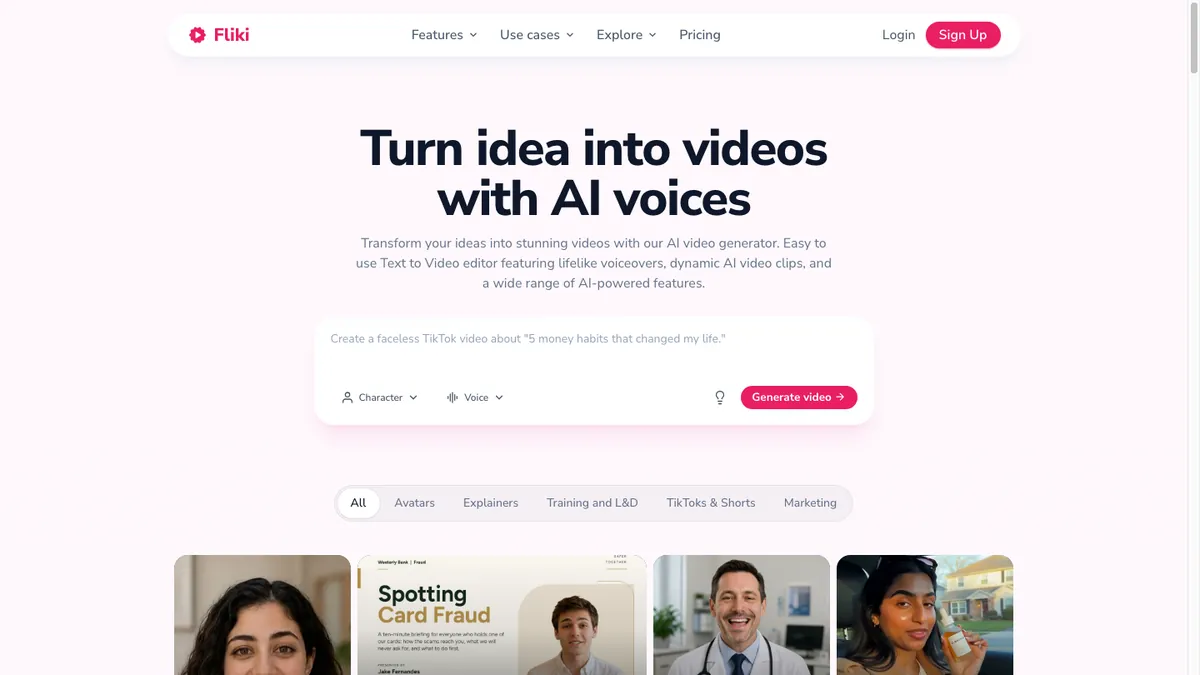
Fliki turns a script into a narrated video with free stock media or AI visuals, and publishes it to YouTube.
- Price: Standard $28/mo (180 credits, 1 Series, videos up to 15 minutes), Premium $88/mo (600 credits, 3 Series); $21 and $66 a month billed yearly.
- Good to know: publishing is capped at 5 videos a day and 50 a month on Standard, and each publish costs credits.
Still choosing? Our roundup of the best AI faceless video generators compares these and three more.
Step 5: Turn long videos into Shorts with OpusClip
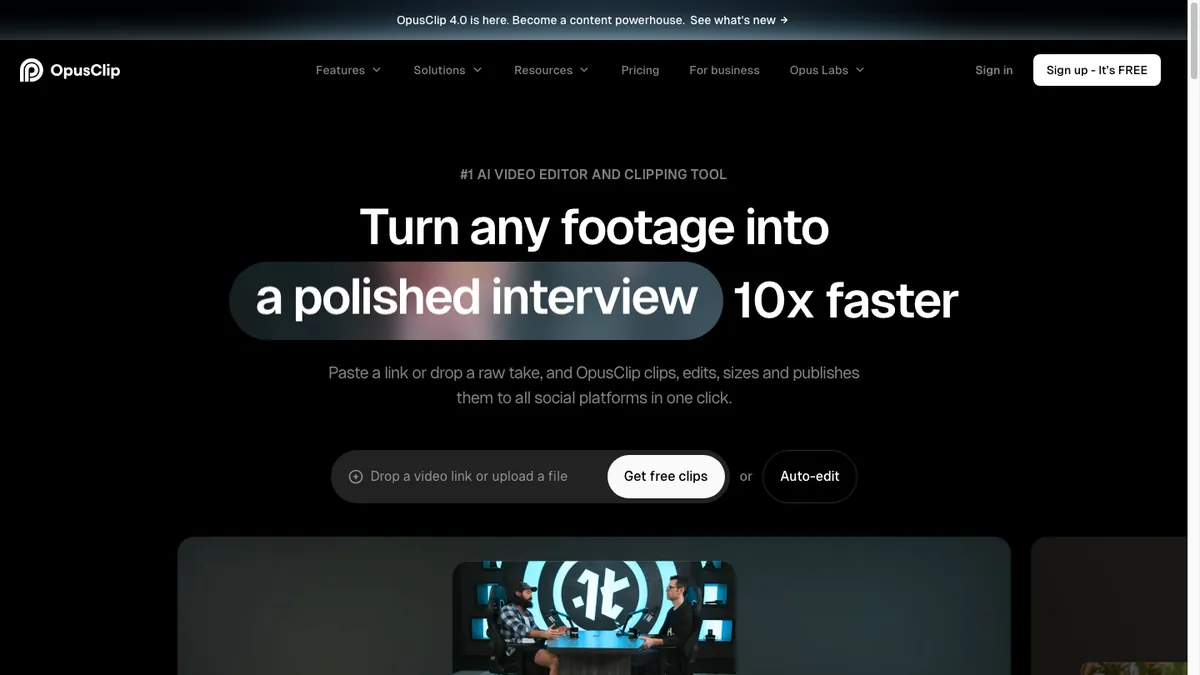
OpusClip is for channels that already have long videos: it finds the strongest moments, cuts them into vertical clips and posts them.
- Price: Starter $15/mo (150 credits; 1 credit is 1 minute of source video), Pro $29/mo or $14.50/mo billed yearly (300 credits).
- Good to know: the free plan gives 60 minutes of source video a month, adds a watermark, and clips can only be exported for 3 days. Starter posts straight to YouTube Shorts, TikTok and Instagram Reels; the scheduler for nine platforms is on Pro. The free trial is a 7-day Pro trial, but trial users can't post or schedule.
Compare it with ours: OpusClip vs Fableclip.
Step 6: Make thumbnails with Canva
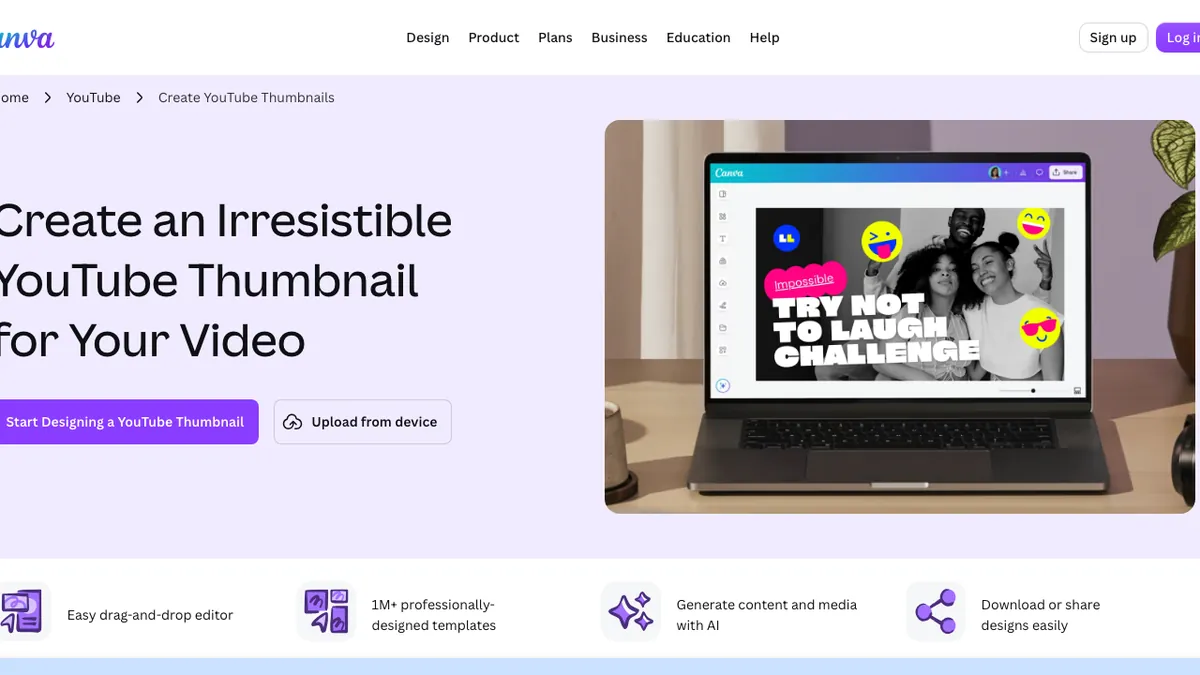
Canva has more than 20,000 YouTube thumbnail templates at YouTube's 1280 × 720 size, plus AI image generation.
- Price: Pro $18/mo or $144/year; the free plan covers templates and limited AI.
- Good to know: Pro adds 10 times the free AI allowance and the background remover. Canva's pages disagree on whether the free plan can use the background remover at all, so try it before you count on it.
Step 7: Schedule and publish
- YouTube Studio schedules any upload to go public at a set date, time and time zone. It's part of the normal upload flow.
- Fableclip publishes each new episode on the series schedule, up to 4 times a day, to YouTube and 7 other platforms. It turns on YouTube's AI-content label by default.
One tool or a stack: what it costs
A stack of separate YouTube automation tools gives you more control over each video; an all-in-one tool saves the hours between the steps. Here's what making and publishing the videos costs a month at list prices:
| Setup | Monthly cost | What you get | What you still do |
|---|---|---|---|
| Fableclip Daily | $39 | 30 videos a month, written, voiced, made and posted on schedule | Choose the theme and review scripts |
| InVideo AI Plus | $60 | 2,000 credits to make videos, no publishing | Write or prompt each video, export it, then upload or schedule it |
| Add ElevenLabs Creator | +$22 | About 121 minutes of narration in a premium or cloned voice | Generate the narration for each script |
How many videos InVideo's credits make depends on their length and on which AI video models you use, since it charges per second by model. Fableclip Hobby covers 12 videos a month for $19 if you post three times a week.
What YouTube allows
Automation is allowed. What YouTube won't pay for is content that feels mass-produced.
- Monetization. YouTube's channel monetization policies exclude mass-produced, generic or repetitive videos, a rule it renamed "inauthentic content" in July 2025. A recurring series is fine when "each video has a distinct storyline, focus, or concept", and AI is fine when it serves an idea of your own. Reviewers look at the whole channel, including titles and thumbnails.
- AI disclosure. You must disclose realistic AI content: a real person made to say something they didn't, altered footage of real events or places, or a realistic scene that never happened. Animated or clearly unrealistic videos don't need it, and neither does using AI for scripts, titles, thumbnails or captions. Disclosing doesn't limit reach or monetization; in YouTube Studio it's under Attributes, "AI use".
What YouTube automation tools can't decide for you
YouTube automation tools take care of production. These four decisions still need you:
- The niche and the angle. Our ranking of the best faceless YouTube niches shows which ones survive AI production.
- Titles and thumbnails. In our teardown, the same art and format got wildly different views depending on the topic and title.
- Facts. Check anything a viewer could look up.
- A final watch before it goes live. Skip episodes that feel like the last one.
How we compared
We read each YouTube automation tool's pricing page and help pages, and YouTube's own help center, on November 15, 2026, and only listed what those pages state. Prices were checked from the US and change often, so confirm them at checkout.
Frequently asked questions
What are the best YouTube automation tools?
It depends on how much you want automated. Fableclip, which we make, handles the whole chain from script to scheduled upload, from $19 a month. To build a stack instead, use vidIQ or TubeBuddy for ideas, ElevenLabs for the voice, InVideo AI, Pictory or Fliki for the video, Canva for thumbnails and YouTube Studio to schedule.
Which AI tools do you need for a faceless YouTube channel?
Something to write and voice the script, something to make the visuals, and a way to publish. One tool like Fableclip covers all three.
Is YouTube automation allowed?
Yes. YouTube doesn't ban automation tools. It won't monetize mass-produced, generic or repetitive content, so every video still needs its own angle, and realistic AI content has to be disclosed.
Can AI-generated faceless videos be monetized?
Yes, when they're original. YouTube allows a recurring series when each video has a distinct storyline, focus or concept, and allows AI that serves your own idea. Templated, interchangeable videos are not eligible.
Do I have to label AI-generated videos on YouTube?
Only realistic ones: a real person made to say something they didn't, altered footage of real events, or a realistic scene that never happened. Animated or clearly unrealistic videos don't need it, and neither does using AI for scripts, titles or thumbnails. Labelling doesn't reduce reach or monetization.
How much does a YouTube automation setup cost?
From $19 a month for an all-in-one tool like Fableclip (12 videos a month) to about $100 a month or more for separate tools for ideas, video, voice and thumbnails, before yearly discounts.
Turn one topic into a faceless series
Fableclip writes the script, voices it, illustrates it, captions it, and auto-publishes every episode to TikTok, YouTube, Instagram and 5 more platforms. You can make your first video as a trial.
Start a series →